
Last updated
What is built, and what comes next.
Every capability Rivyra needs to be complete, grouped by area, with its true status today. Nothing ahead carries a date, because a date we cannot keep is worse than none.
Showing 11 of 101 items Show everything
Screens are from the product, shown with sample content.
Accounts and profiles
Who you are on Rivyra, and how you get in and out of it safely.
Shipped
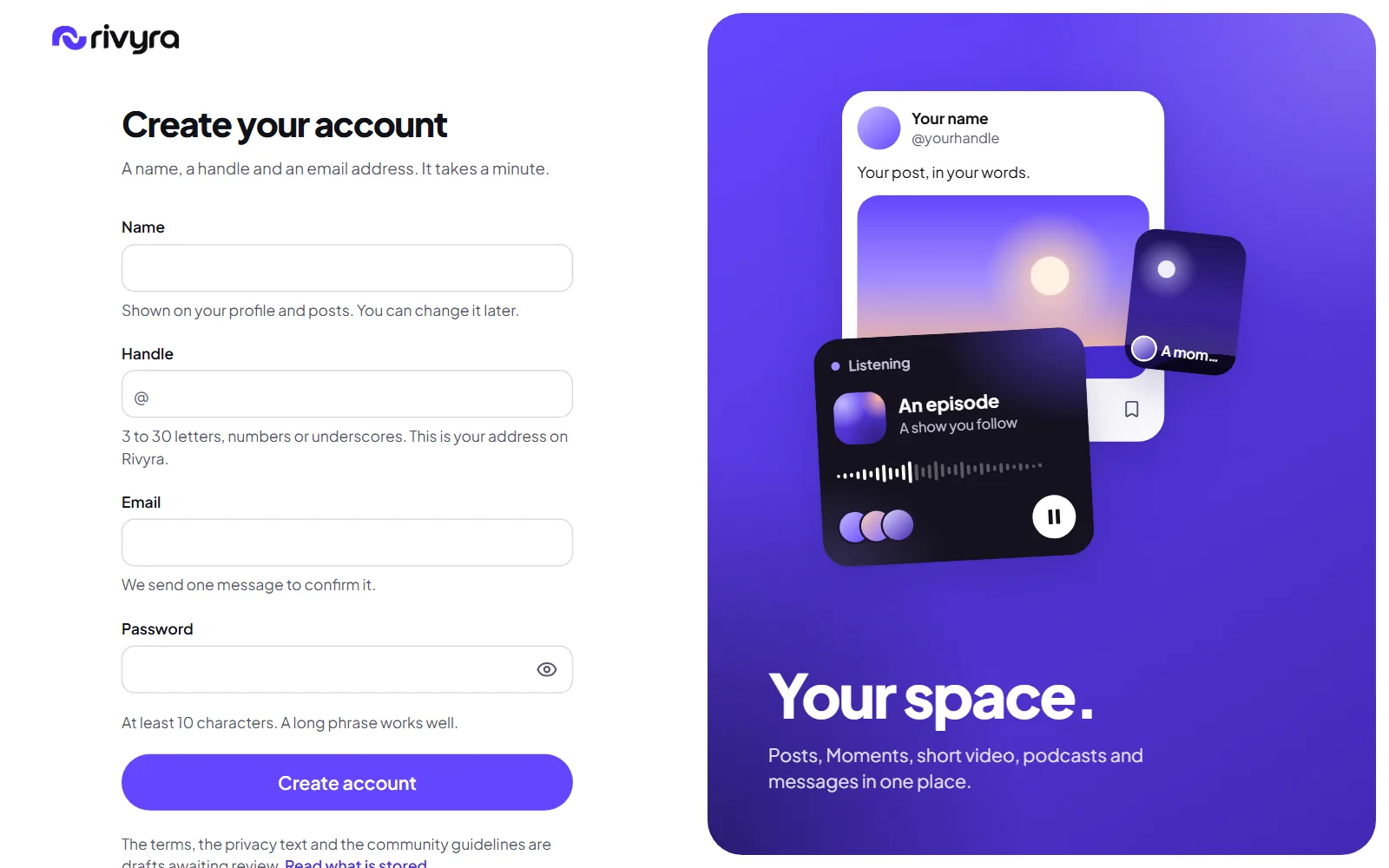
Sign up with a confirmed email
A name, a handle, an email address and a password of at least ten characters. The address is confirmed with a mailed link before the first sign-in, and the form says while you type whether a handle is free.
Shipped
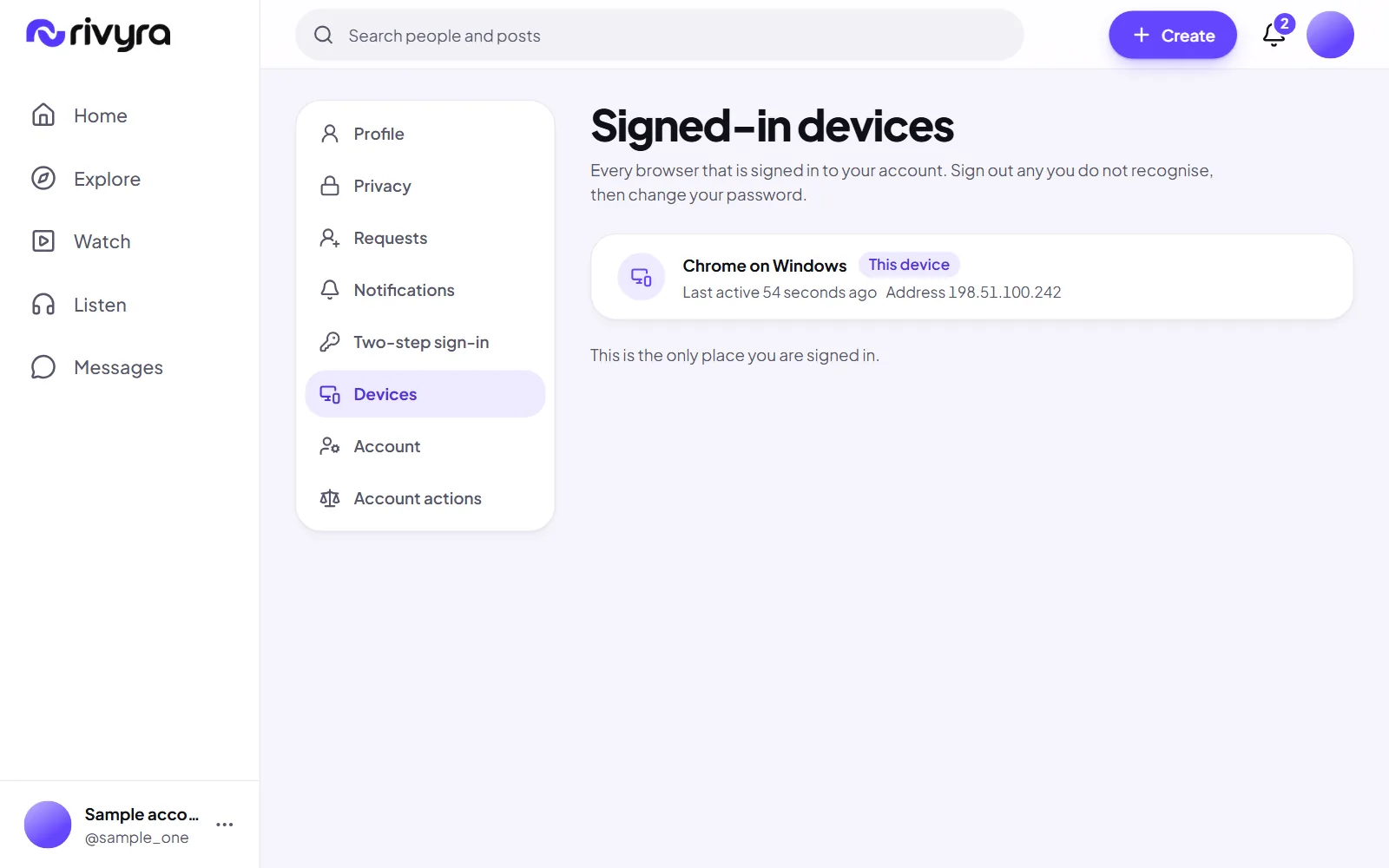
Signed-in devices
A list of every browser the account is signed in on, with a way to sign out one of them or all the others.
Shipped
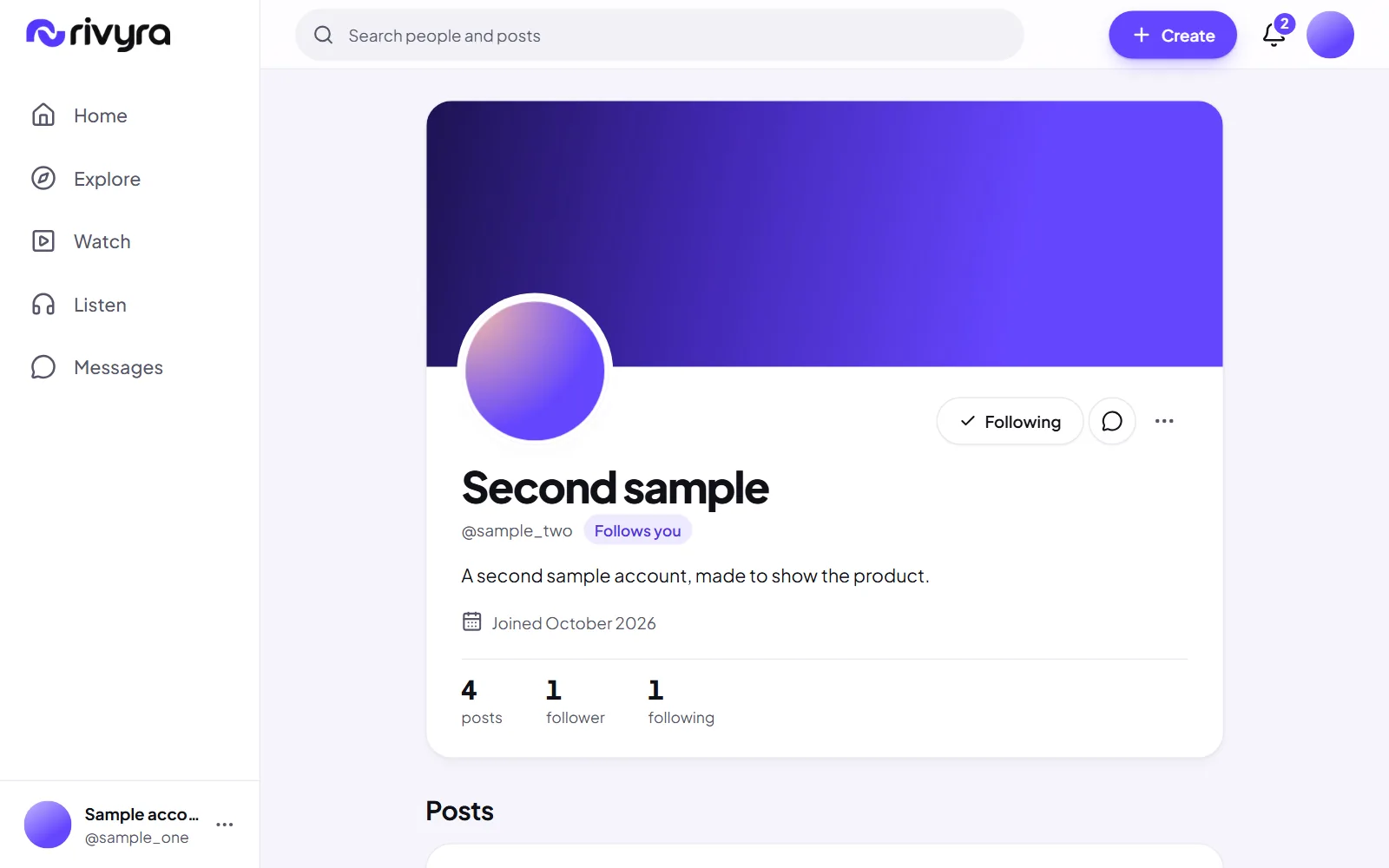
Profiles
A picture, a cover, a bio and links, on a public page at your handle. A profile is readable without an account unless you make it private.
Shipped
Sign in, sign out and password reset
A forgotten password is reset from a mailed link that works once. Resetting it signs the account out everywhere else.
Shipped
A two-step welcome
After the first sign-in: how you appear, then the interests that shape what For you shows first. Both can be skipped and changed later.
Shipped
Sample accounts that say what they are
Ten accounts made to show how the product looks. Each is marked Sample account wherever it appears, nobody can sign in as one, nothing they do counts toward a post's rate, and all ten can be removed in one step.
Shipped
Two-step sign-in
After your password, a six-digit code from an authenticator app, with ten recovery codes for the day you lose your phone. Any account can turn it on in settings, and staff must.
Shipped
Change your email address
Asked for in settings with your password, and made real by a link sent to the new address. The old address is told, and every device is signed out.
Next
Change your password from settings
The server already accepts it. The settings screen for it is not built, so today a password is changed through the reset link.
Later
Passkeys
Signing in with the device's own lock instead of a password.
Later
Change your handle
A handle is fixed once chosen. Changing it safely needs a rule for the old one.