
Last updated
What is built, and what comes next.
Every capability Rivyra needs to be complete, grouped by area, with its true status today. Nothing ahead carries a date, because a date we cannot keep is worse than none.
Showing 101 of 101 items
Screens are from the product, shown with sample content.
Accounts and profiles
Who you are on Rivyra, and how you get in and out of it safely.
Shipped
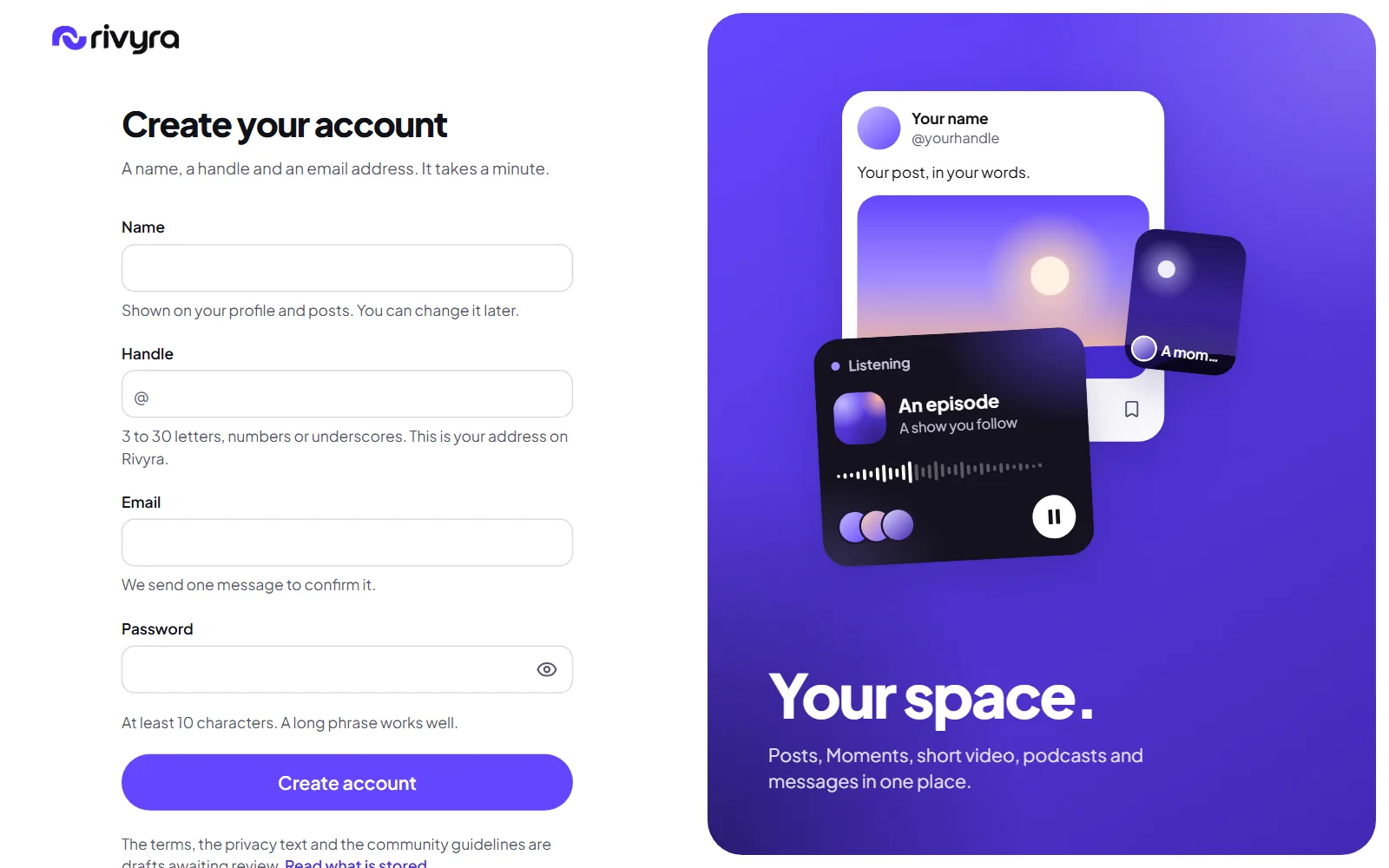
Sign up with a confirmed email
A name, a handle, an email address and a password of at least ten characters. The address is confirmed with a mailed link before the first sign-in, and the form says while you type whether a handle is free.
Shipped
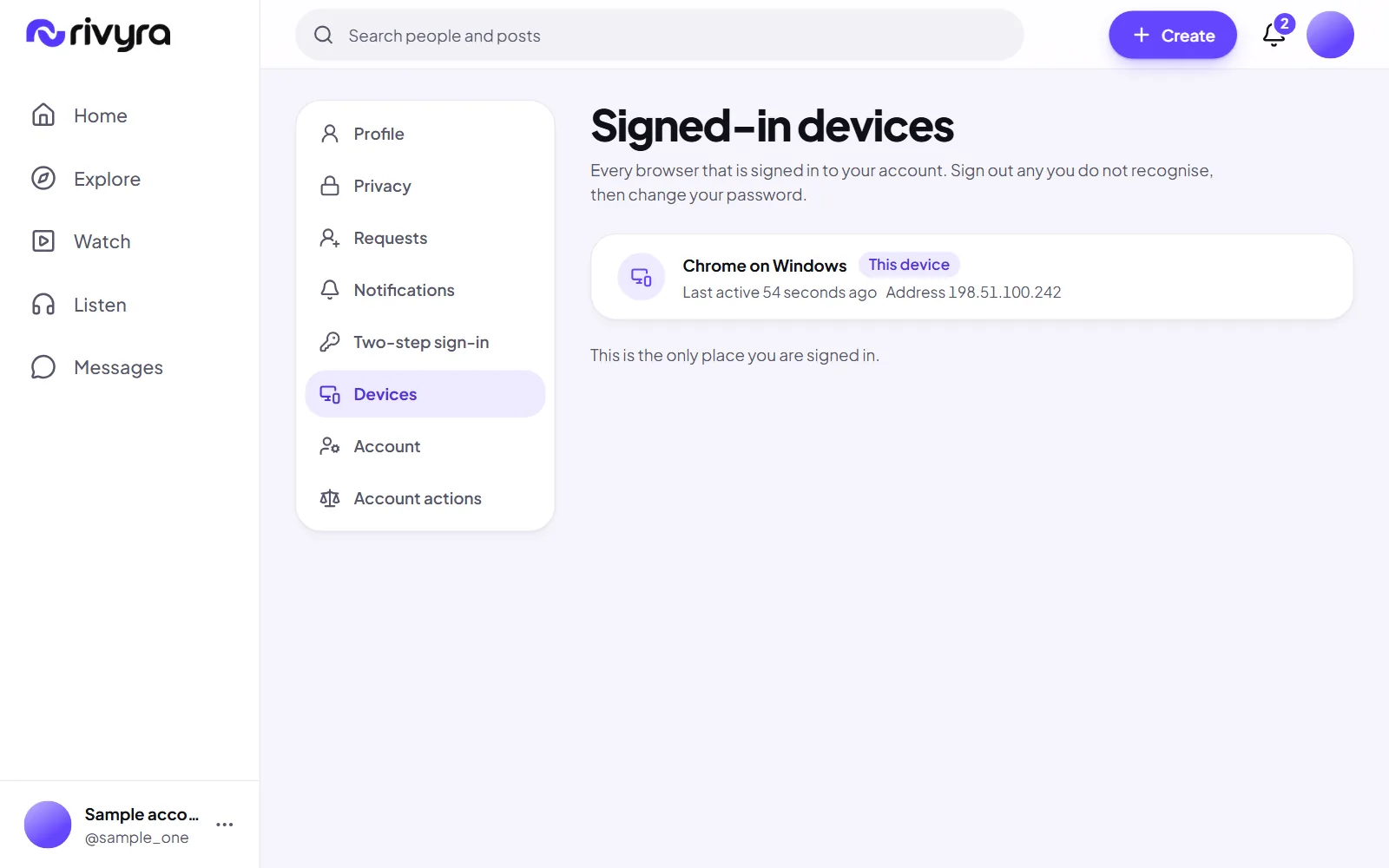
Signed-in devices
A list of every browser the account is signed in on, with a way to sign out one of them or all the others.
Shipped
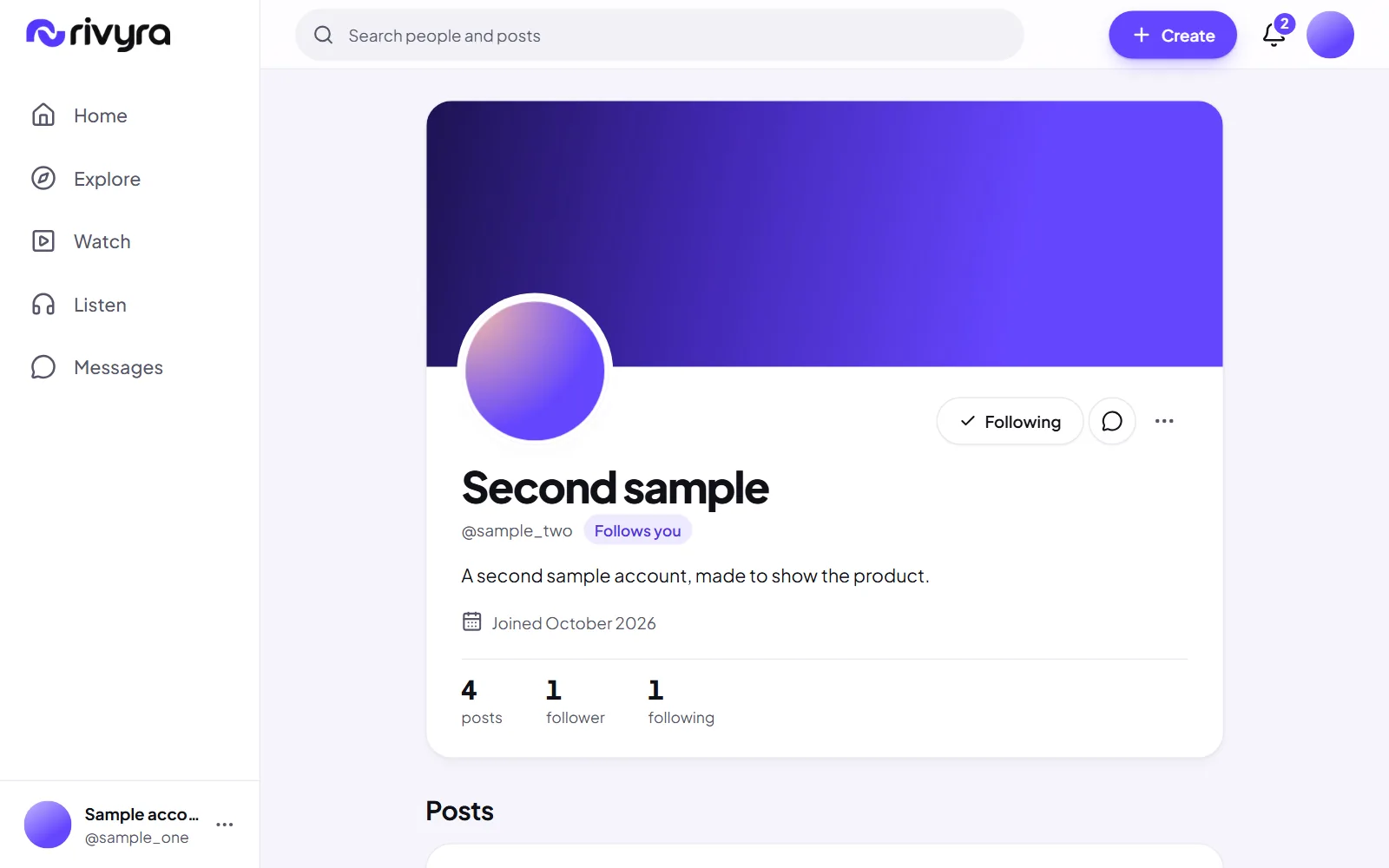
Profiles
A picture, a cover, a bio and links, on a public page at your handle. A profile is readable without an account unless you make it private.
Shipped
Sign in, sign out and password reset
A forgotten password is reset from a mailed link that works once. Resetting it signs the account out everywhere else.
Shipped
A two-step welcome
After the first sign-in: how you appear, then the interests that shape what For you shows first. Both can be skipped and changed later.
Shipped
Sample accounts that say what they are
Ten accounts made to show how the product looks. Each is marked Sample account wherever it appears, nobody can sign in as one, nothing they do counts toward a post's rate, and all ten can be removed in one step.
Shipped
Two-step sign-in
After your password, a six-digit code from an authenticator app, with ten recovery codes for the day you lose your phone. Any account can turn it on in settings, and staff must.
Shipped
Change your email address
Asked for in settings with your password, and made real by a link sent to the new address. The old address is told, and every device is signed out.
Next
Change your password from settings
The server already accepts it. The settings screen for it is not built, so today a password is changed through the reset link.
Later
Passkeys
Signing in with the device's own lock instead of a password.
Later
Change your handle
A handle is fixed once chosen. Changing it safely needs a rule for the old one.
Posts and conversations
Writing, pictures and video, and the talk that happens under them.
Shipped
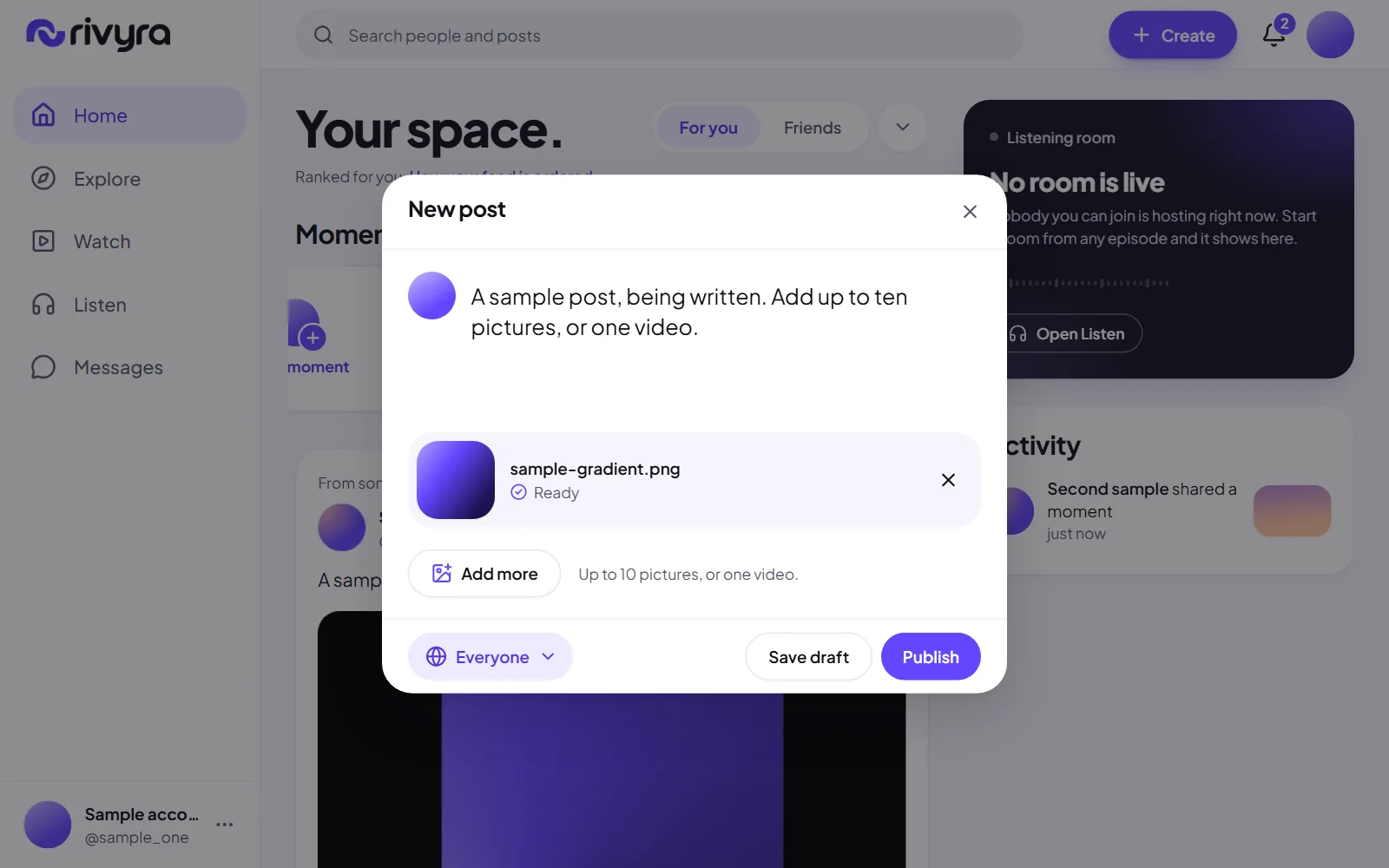
Text, picture, gallery and video posts
A post is a line or a page, with up to ten pictures in the order you choose, or one video. Each post is public, for followers, or private.
Shipped
Comments and replies
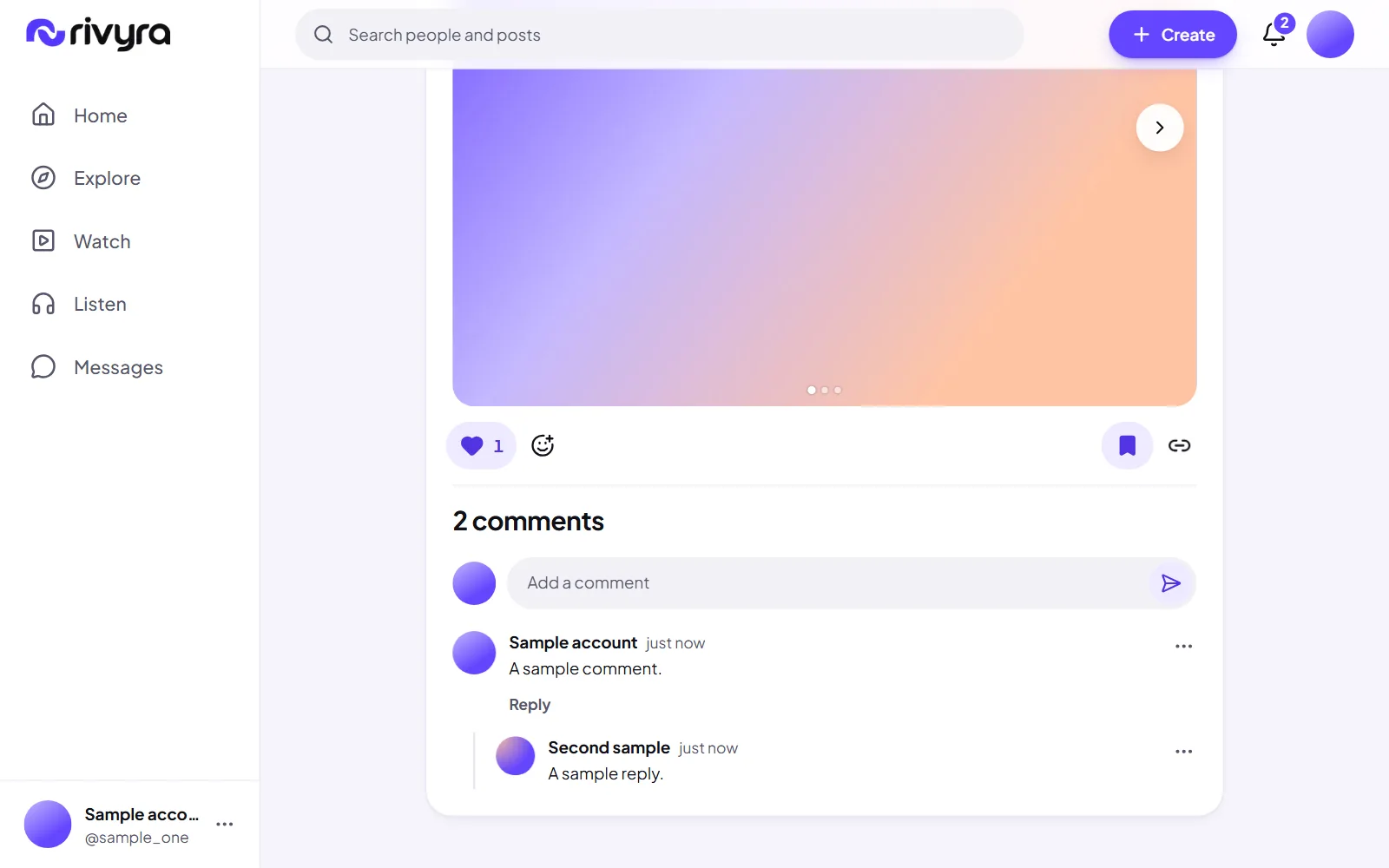
Comments with one level of replies, so a conversation stays readable. You can delete your own, and the author of a post can remove comments under it.
Shipped
Saved posts
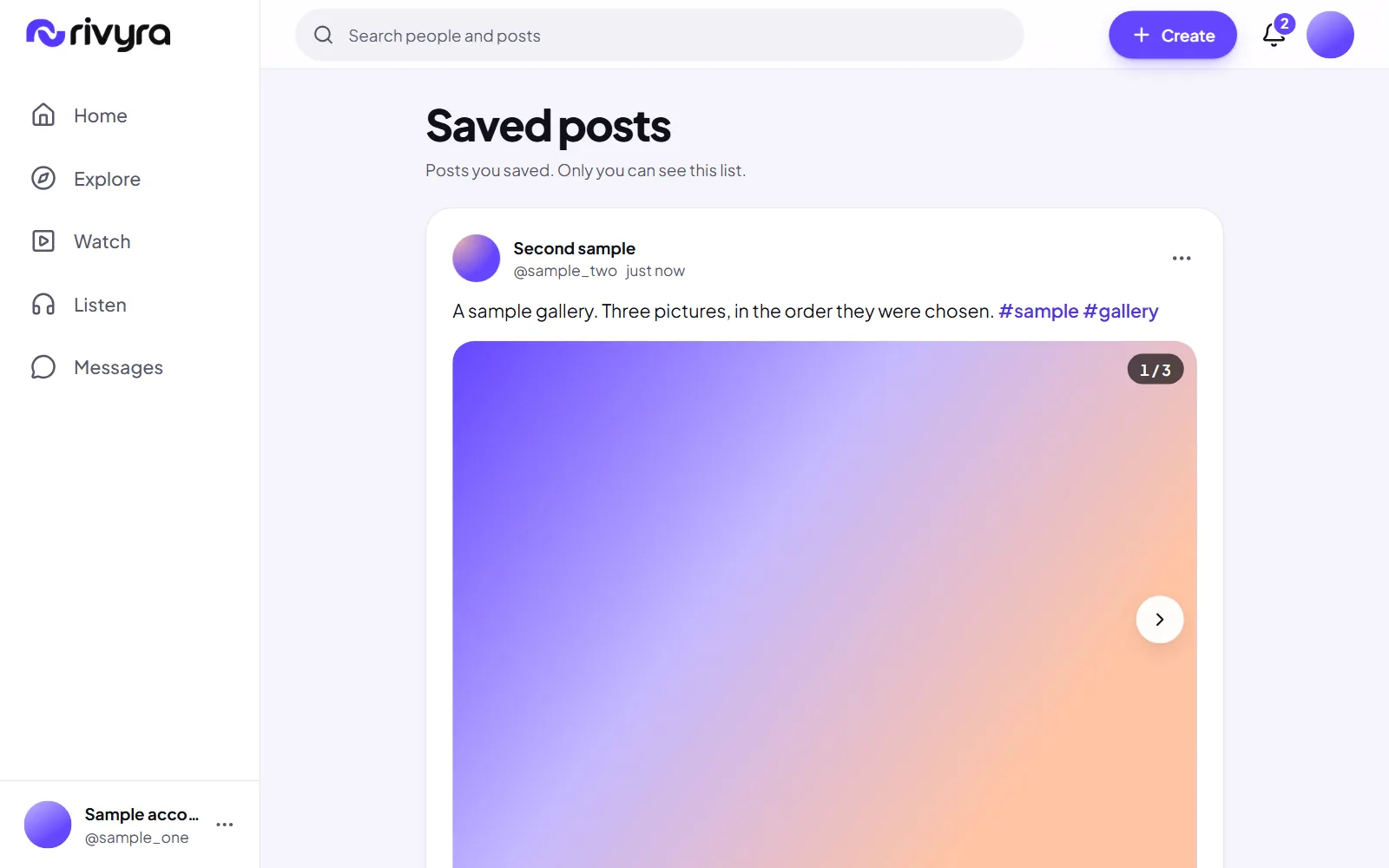
Bookmark a post and find it again under Saved posts. Only you can see what you saved.
Shipped
Drafts
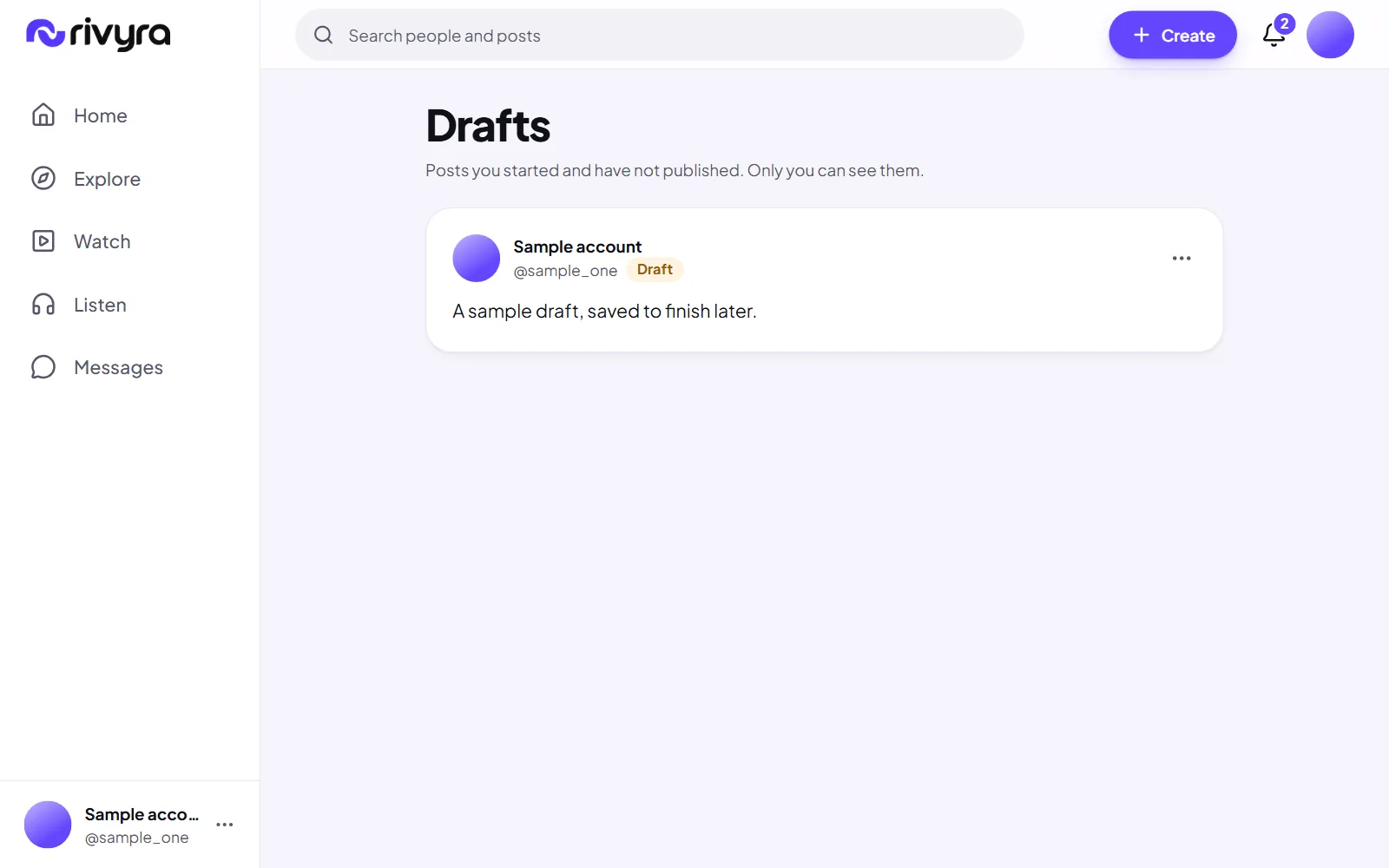
Save a post before it is ready, close the composer and continue later from Drafts.
Shipped
Reactions
Six ways to respond without writing. The count is the real count, and a reaction can be taken back.
Shipped
Edit and delete
Change a post after publishing, or remove it. A deleted post is gone from feeds and its page answers not found.
Shipped
Being told when you are mentioned
A mention in a post or a comment sends a notification, unless you chose not to take mentions from that person.
Later
Scheduled posts
Write now, publish at a time you choose.
Later
Collections of saved posts
Named groups for what you save, once one list stops being enough.
Feeds and discovery
What you see first, why, and how to find what you did not know to look for.
Shipped
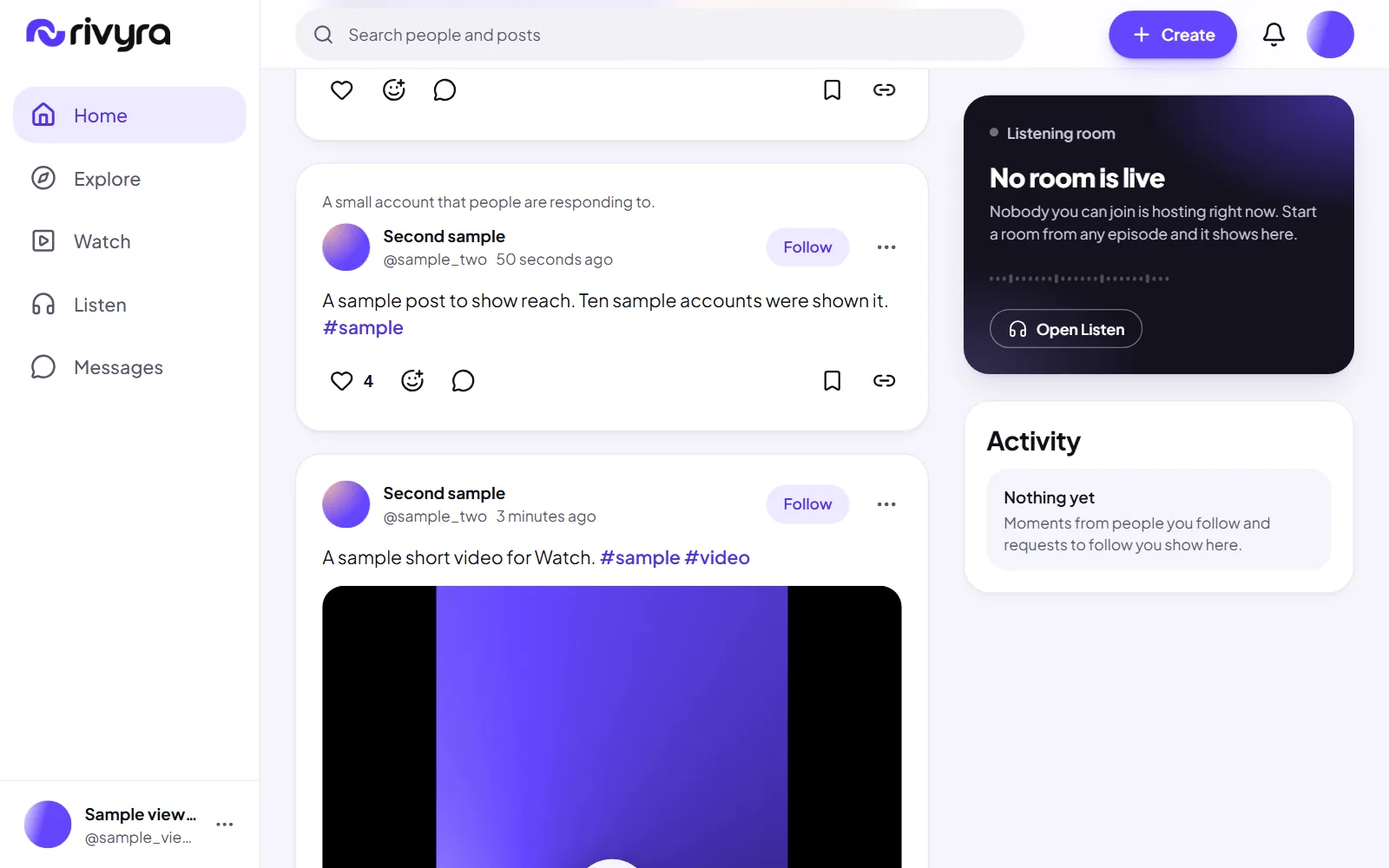
For you, ordered by rules you can read
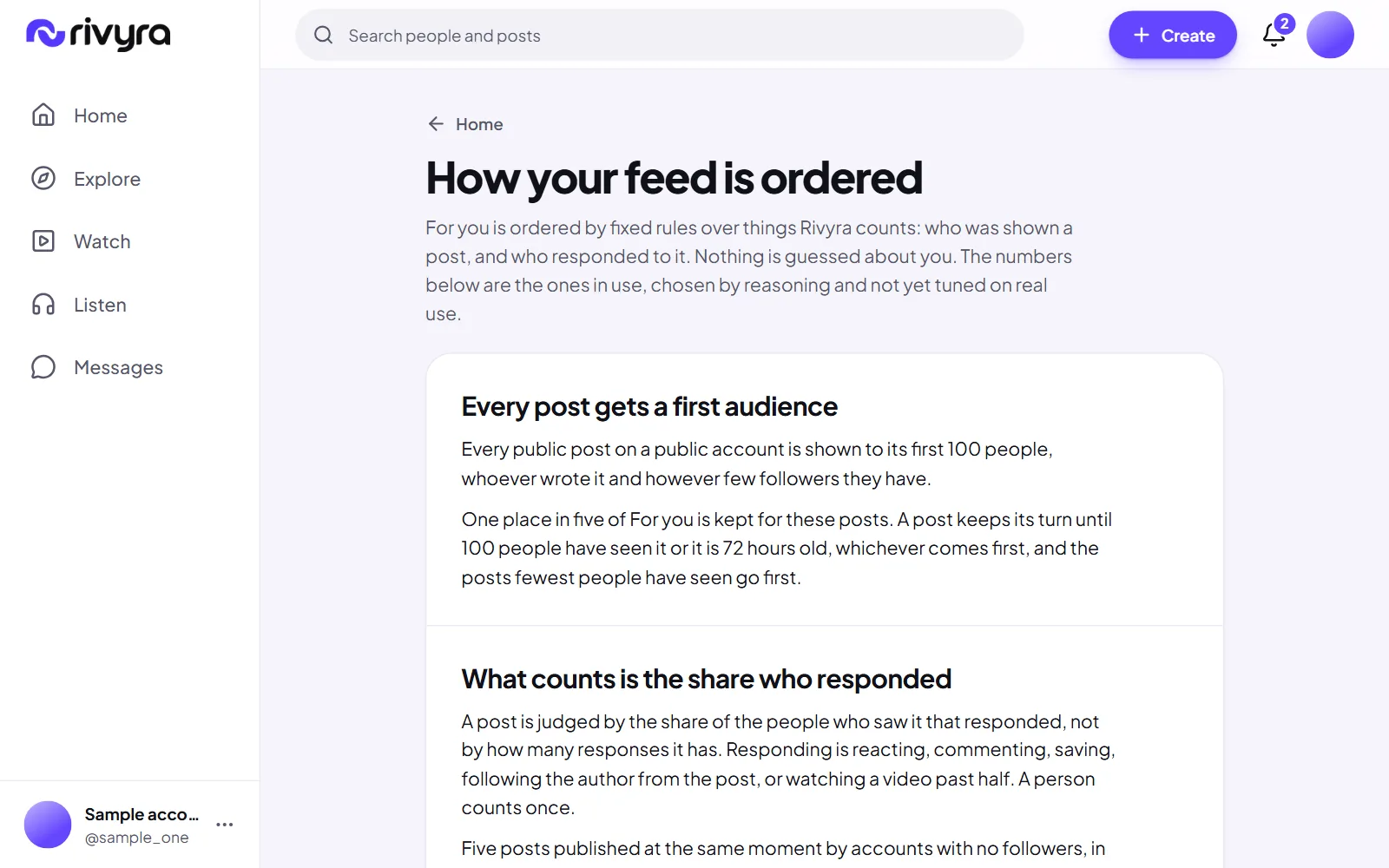
Fixed rules over who was shown a post and who responded to it, when it was posted, who you follow and the interests you chose. No trained recommendation model, and the page that explains it is public.
Shipped
Why a post is there
Each post in For you, each video in Watch and each suggested episode says in one line why it is there. The line leads to the page that explains the rules.
Shipped
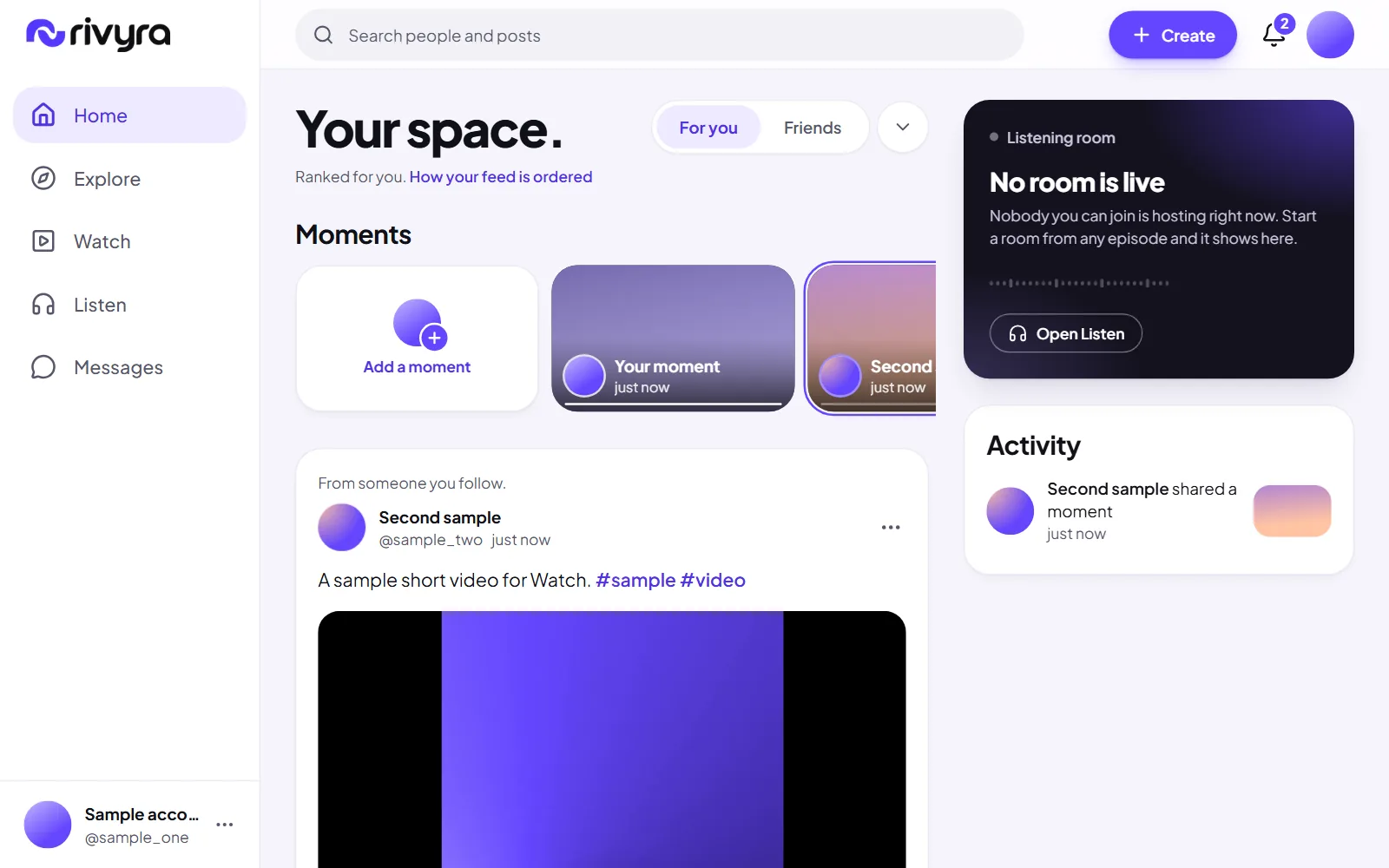
Following and Friends, newest first
Following is everyone you follow in plain time order. Friends is the people who follow you back. Neither is ranked.
Shipped
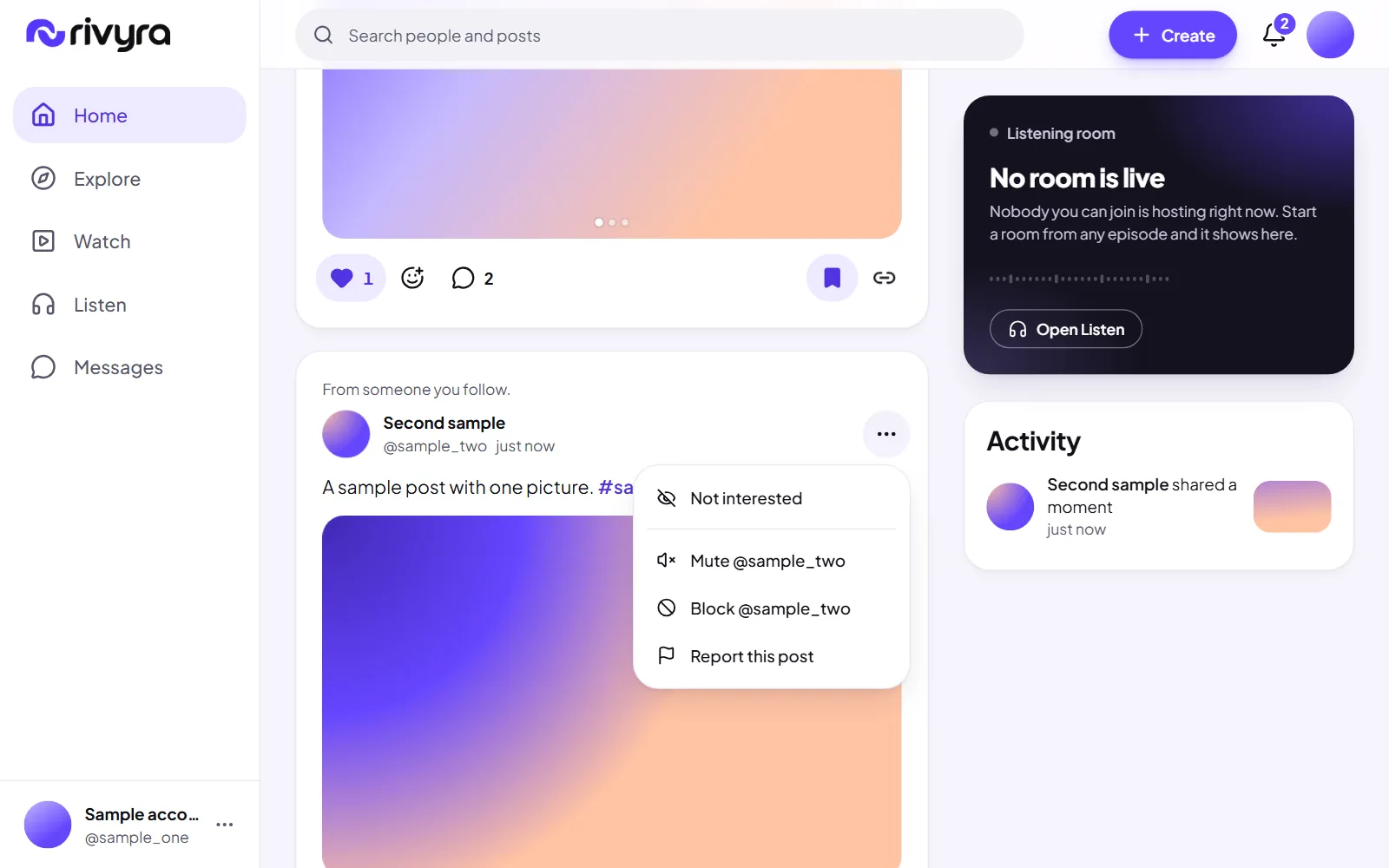
Not interested
Hide a post from its menu and see fewer like it. Undo brings it back.
Shipped
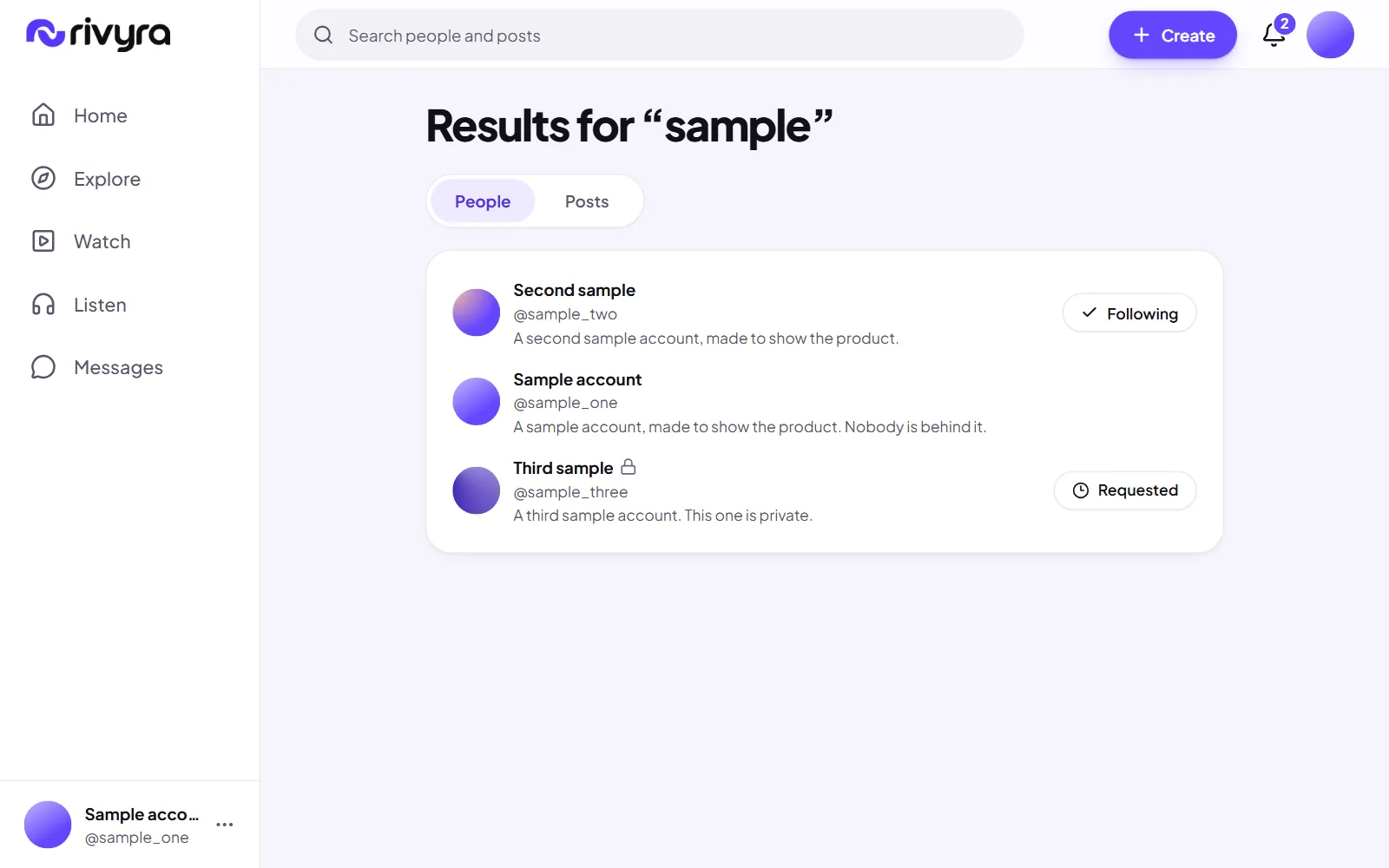
Search for people and posts
Find an account by name or handle and a post by its words or a hashtag. Search never shows what you are not allowed to see.
Shipped
Explore
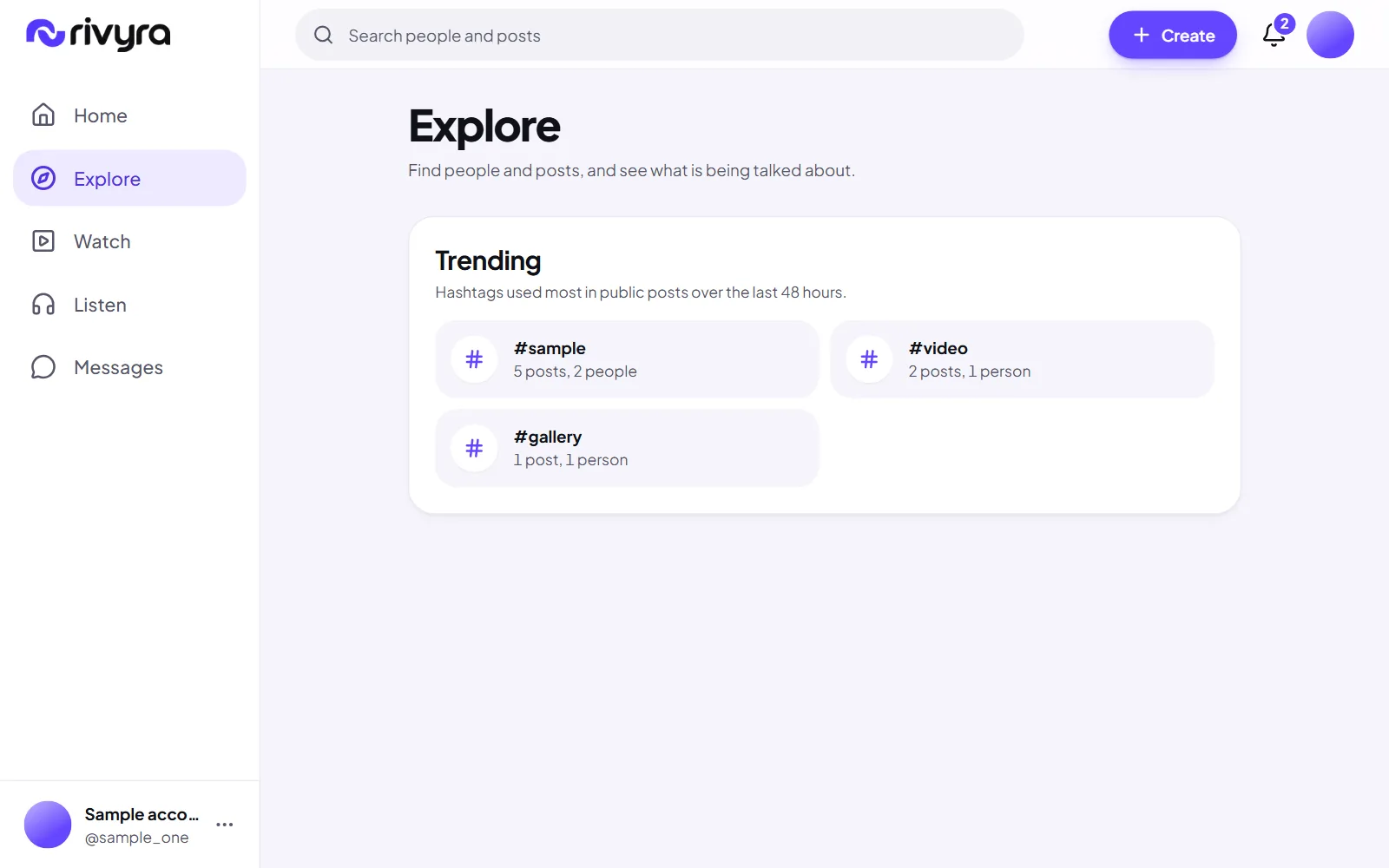
The hashtags used most in the last two days, counted from real posts, and accounts you might follow.
Shipped
A first audience for every post
Every public post is shown to its first 100 people, whoever wrote it. One place in five of For you is kept for these posts, until 100 people have seen one or it is 72 hours old.
Shipped
Judged by the share who responded
A post is placed by how many of the people who saw it responded, not by how many responses it has. A well received post by a small account is placed higher, an older one can return, and no account holds more than a tenth of the feed. Nothing reads time spent.
Next
Search for shows and episodes
Search covers people and posts today. Shows and episodes are found from Listen and its categories.
Later
Tuning the numbers on evidence
The first audience of 100, the 72 hours and every weight are reasoned defaults. They will be adjusted when there is real use to learn from, and the public page will change with them.
Later
Noticing accounts that act together
Ten real accounts run by one person are ten people to the ranking today. Nothing detects that. It is left to moderation, and suspending an account takes back what it counted.
Moments
Something for today that does not need to last.
Shipped
Share a moment for 24 hours
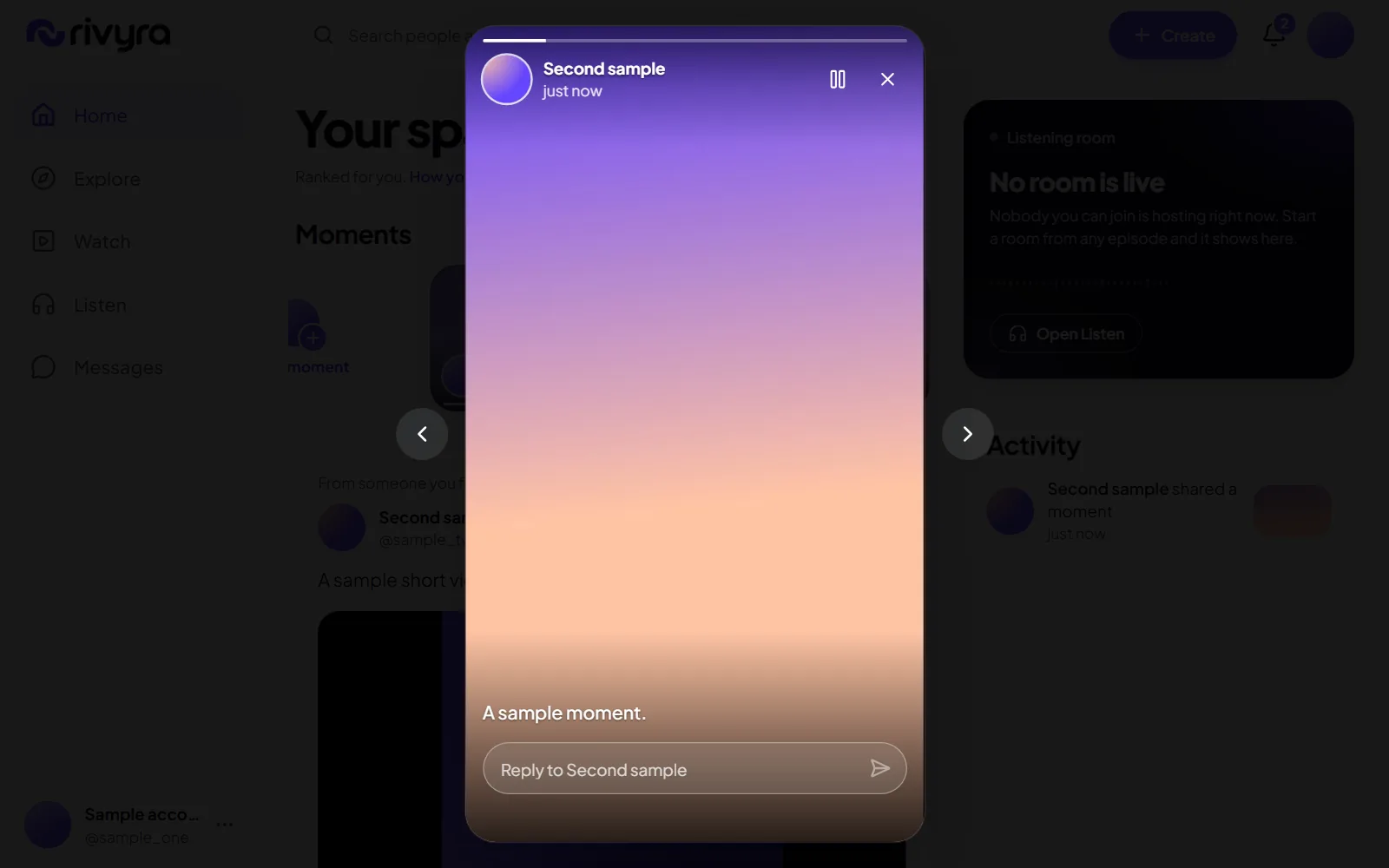
A picture or a short clip with a caption, for everyone or for followers only. After 24 hours it stops showing, and its files are deleted within a day after that.
Shipped
See who viewed it
The person who shared a moment can see who opened it, each viewer counted once. Nobody else can.
Shipped
Reply to a moment
A reply to a moment is a private message to its author that says which moment it answered.
Later
Record a moment in the browser
Today a moment is made from a file you choose. Recording straight from the camera needs the camera permission turned on for the site.
Watch
Short video, one at a time.
Shipped
The Watch feed
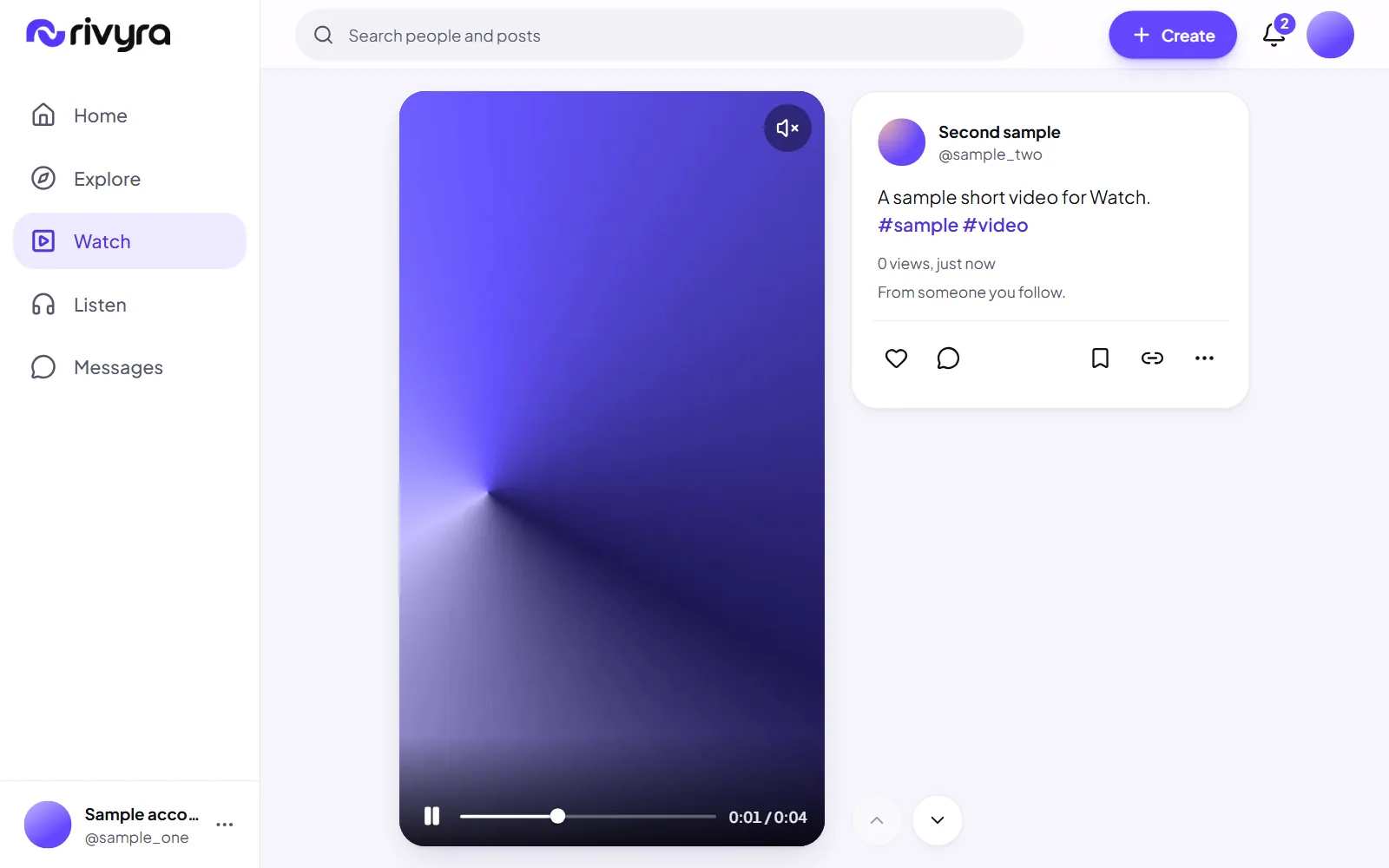
Public videos in a tall frame, one filling the screen on a phone, ordered by the same published formula as For you.
Shipped
Sound only when you ask
Everything plays muted until you turn sound on, and only one video plays at a time.
Shipped
Captions
An author can attach a captions file to a video, and a viewer can switch captions on.
Shipped
Large videos, sent in parts
A big file goes up in pieces, so one dropped connection does not start it over.
Podcasts
Shows and episodes with a player that remembers where you were.
Shipped
Listen
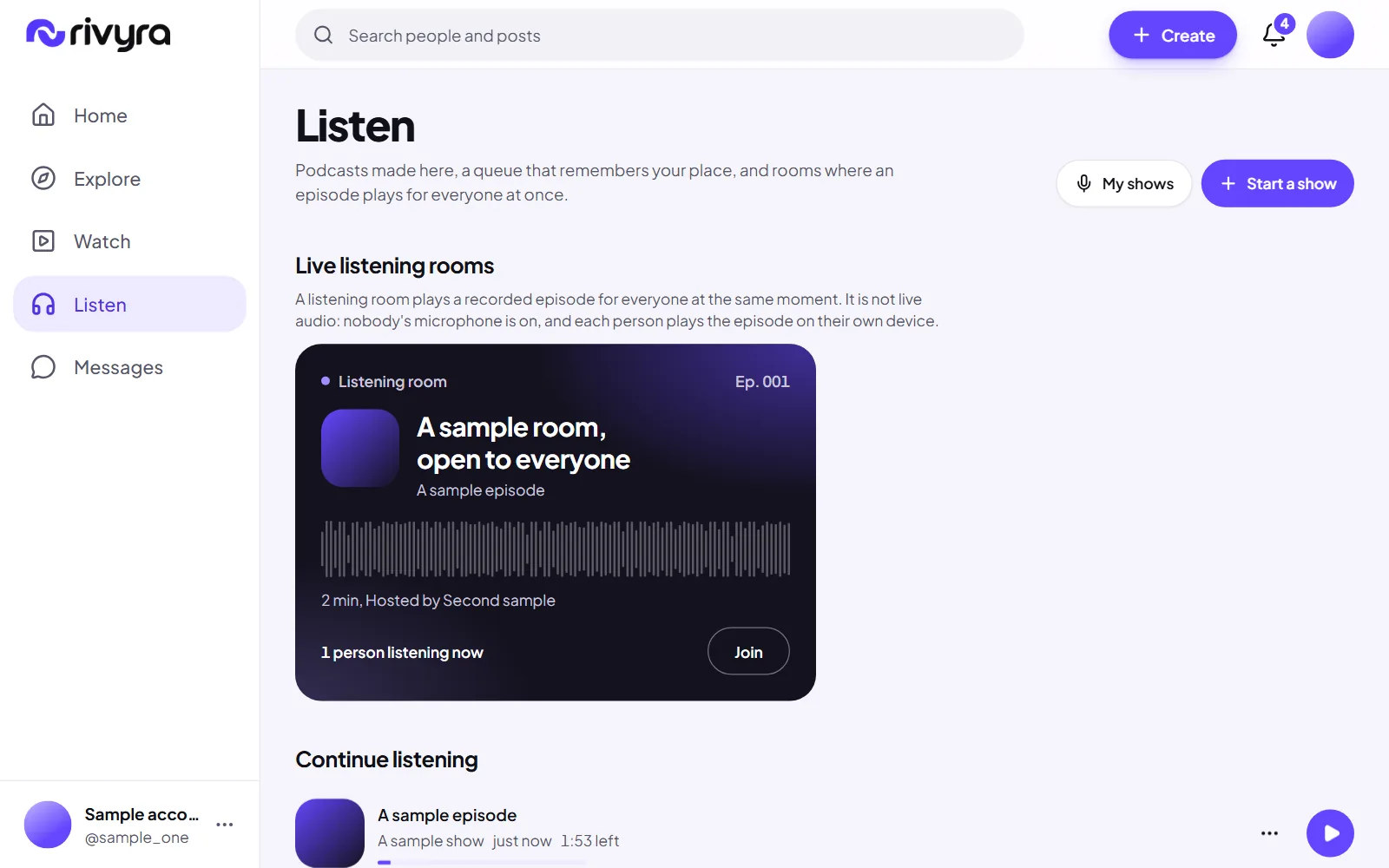
One page for the rooms that are live, the episodes you have not finished, the newest from the shows you follow, what you saved, and shows to find by category.
Shipped
Shows and episodes
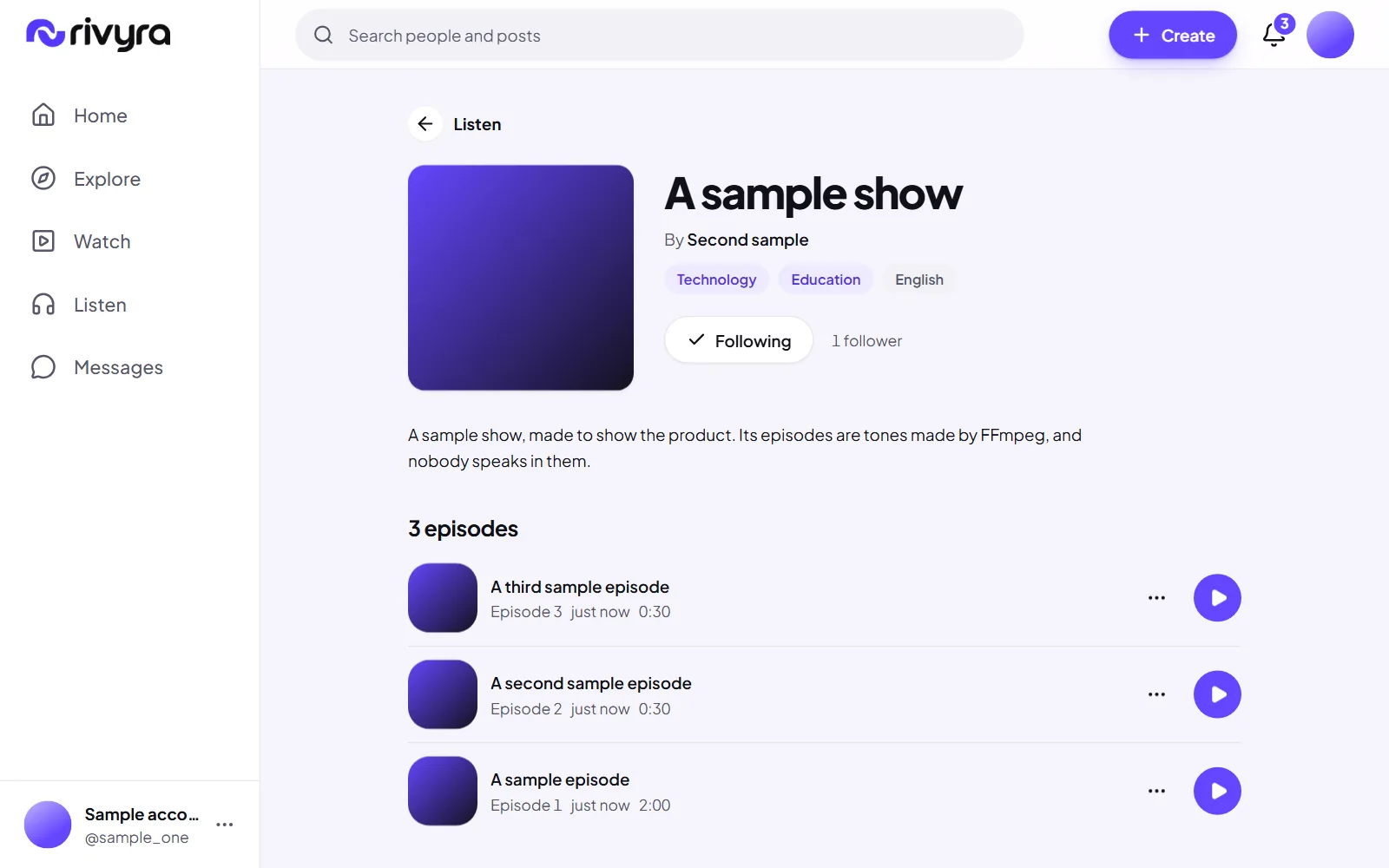
A show with a cover and up to three categories, and episodes with a waveform you can move through. Each has a page that is readable without an account.
Shipped
A queue and your place in every episode
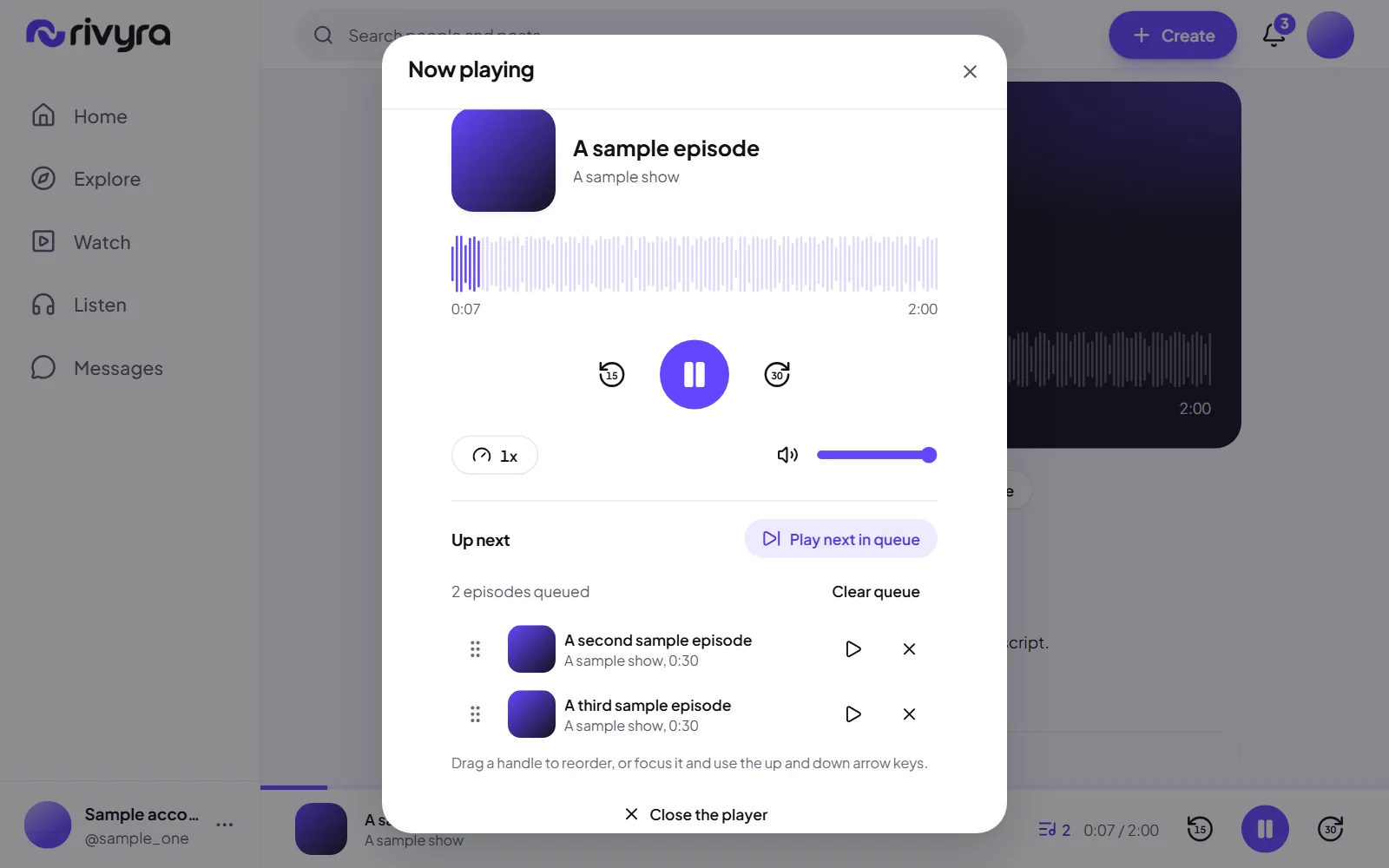
Resume where you stopped, a queue you can reorder by dragging or from the keyboard, saved episodes and playback speed.
Shipped
Transcripts
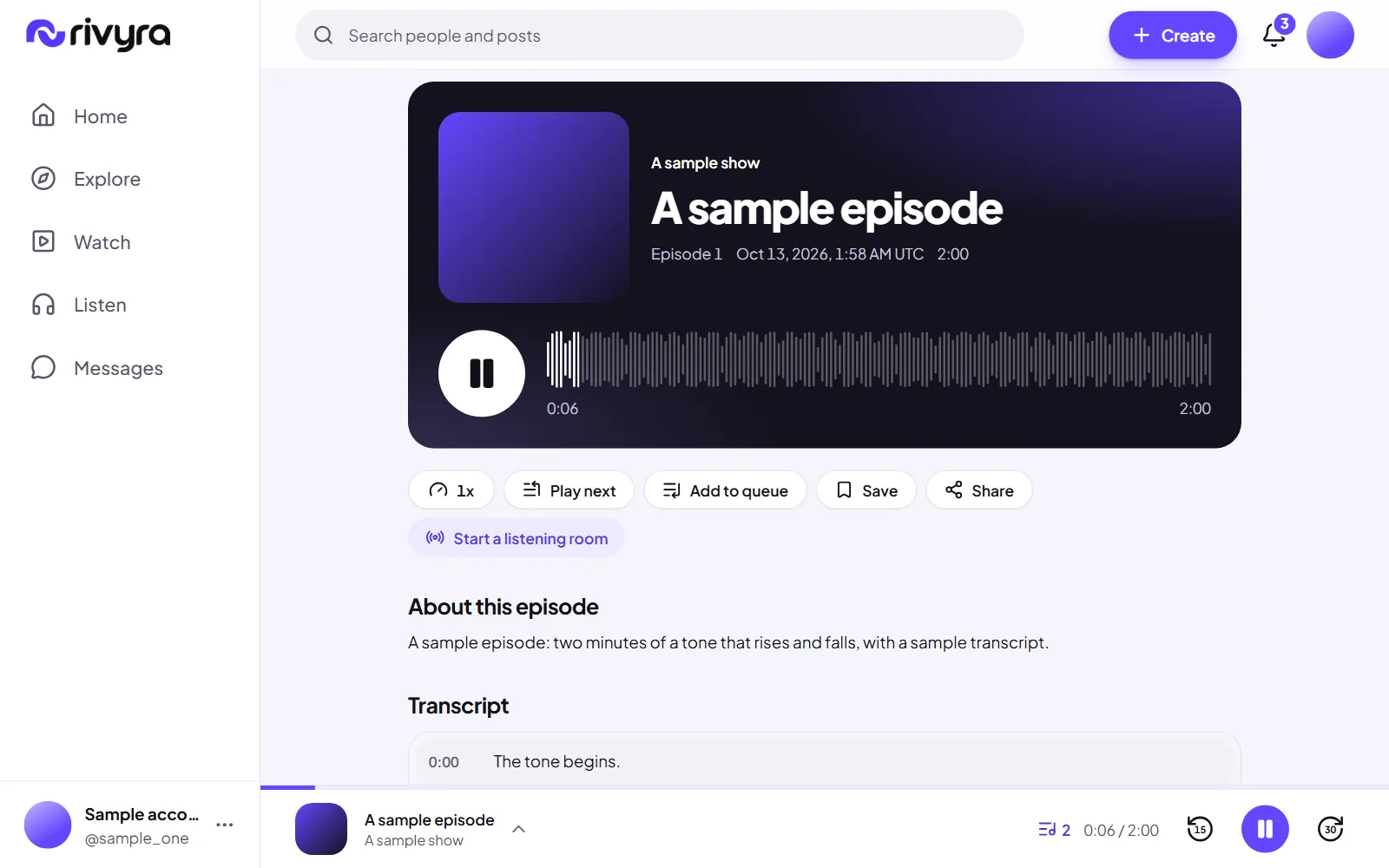
A creator can upload a transcript for an episode. A timed one follows the episode as it plays, and pressing a line takes you to that second.
Shipped
Episodes to try
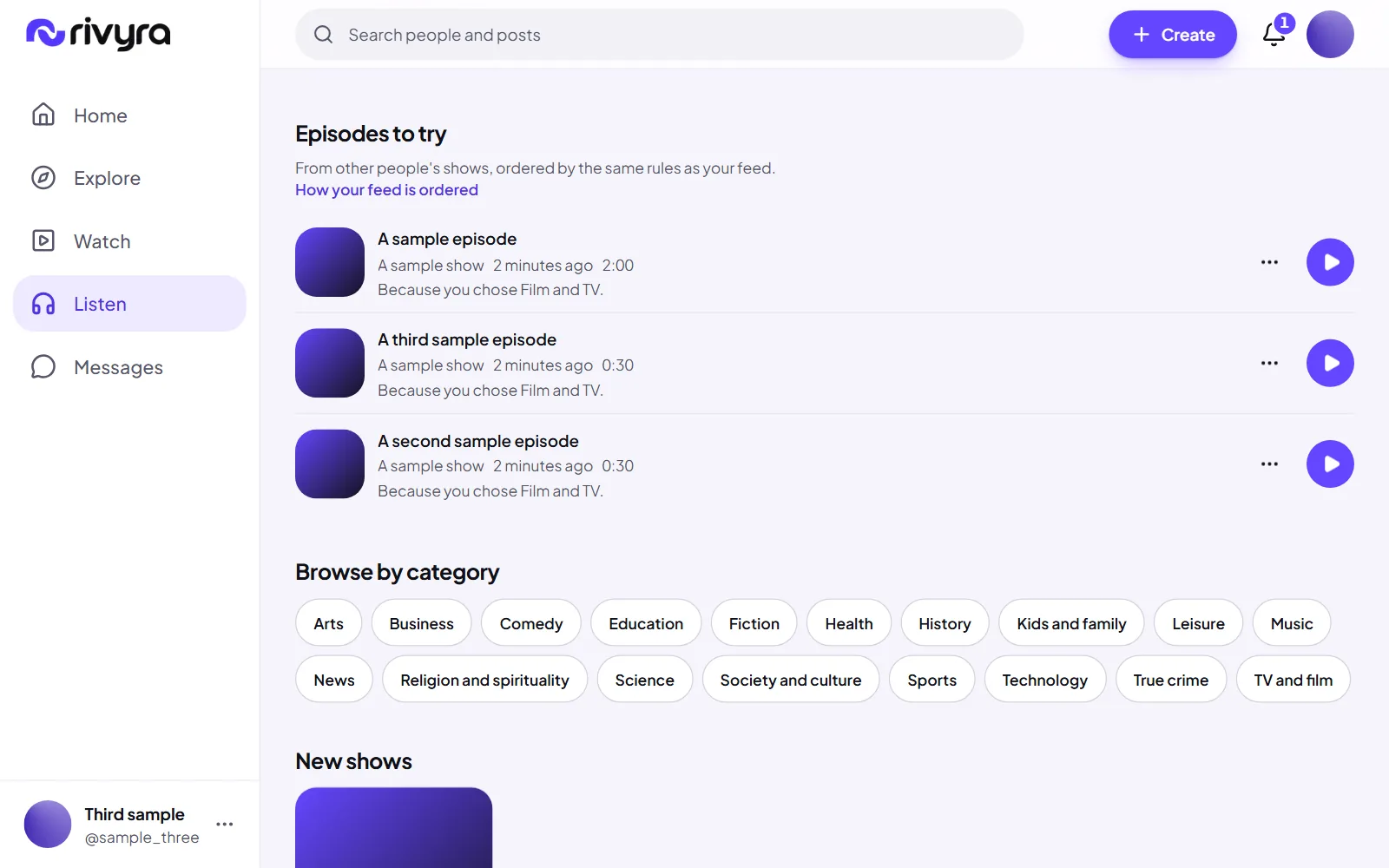
On Listen, episodes from other people's shows, ordered by the same rules as For you. A new show's episode gets a first audience as a new post does.
Shipped
Comments on episodes
The same comments and replies as posts, under an episode.
Shipped
A player that stays with you
One player, a bar along the bottom, that keeps playing as you move around the app. Controls on a lock screen and on headphones are written and have not been tried on a phone.
Later
A page for your listening history
The service keeps what you listened to. Today it shows the episodes you have not finished and the ones you saved, and has no page for the rest.
Later
Report a show or an episode
The service accepts these reports. The show and episode pages do not offer the button yet.
Listening together
The same recorded episode, at the same moment, with other people.
Shipped
Listening rooms
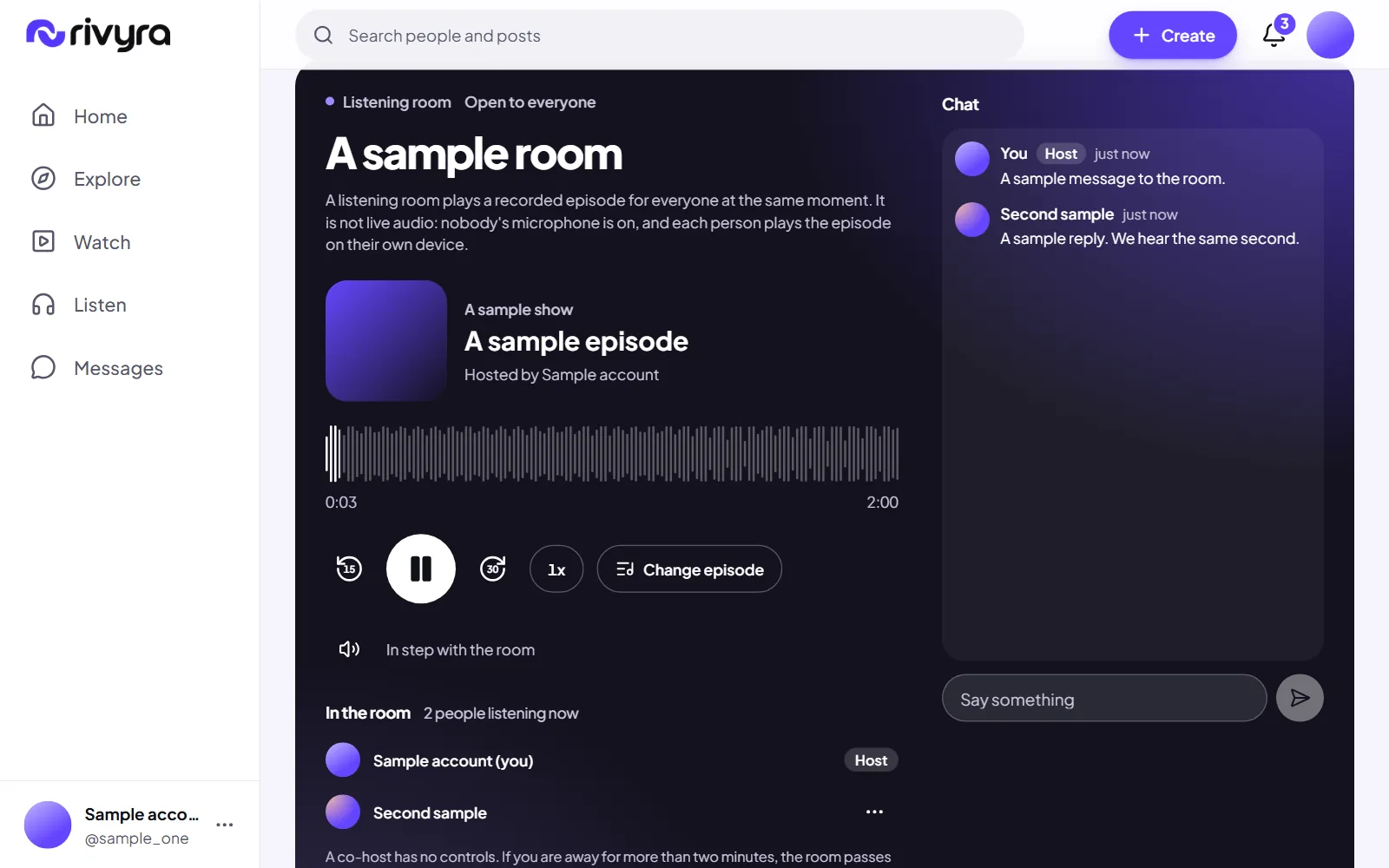
A host starts a room on an episode and everyone in it hears the same second. The server holds the playback position, so nobody drifts. It is synchronised playback of a recording, not live audio. A room is open to everyone, to followers, or by invite link.
Shipped
Chat and presence in a room
See who is in the room and talk beside the episode.
Shipped
Co-hosts
A host can name a co-host. When the host drops off the room pauses and waits two minutes, then passes to the co-host, or ends when there is none.
Next
Rooms measured between real devices
Two browsers on one machine stay within 150 milliseconds of each other. Two phones on two networks have not been measured, and neither has a full room.
Later
A room that follows you around the app
A room plays on its own page today. Leaving the page leaves the room's sound behind.
Later
Remove someone from a room
A host can end a room and cannot yet remove one person from it.
Messages
One-to-one conversations with people you follow.
Shipped
One-to-one messages
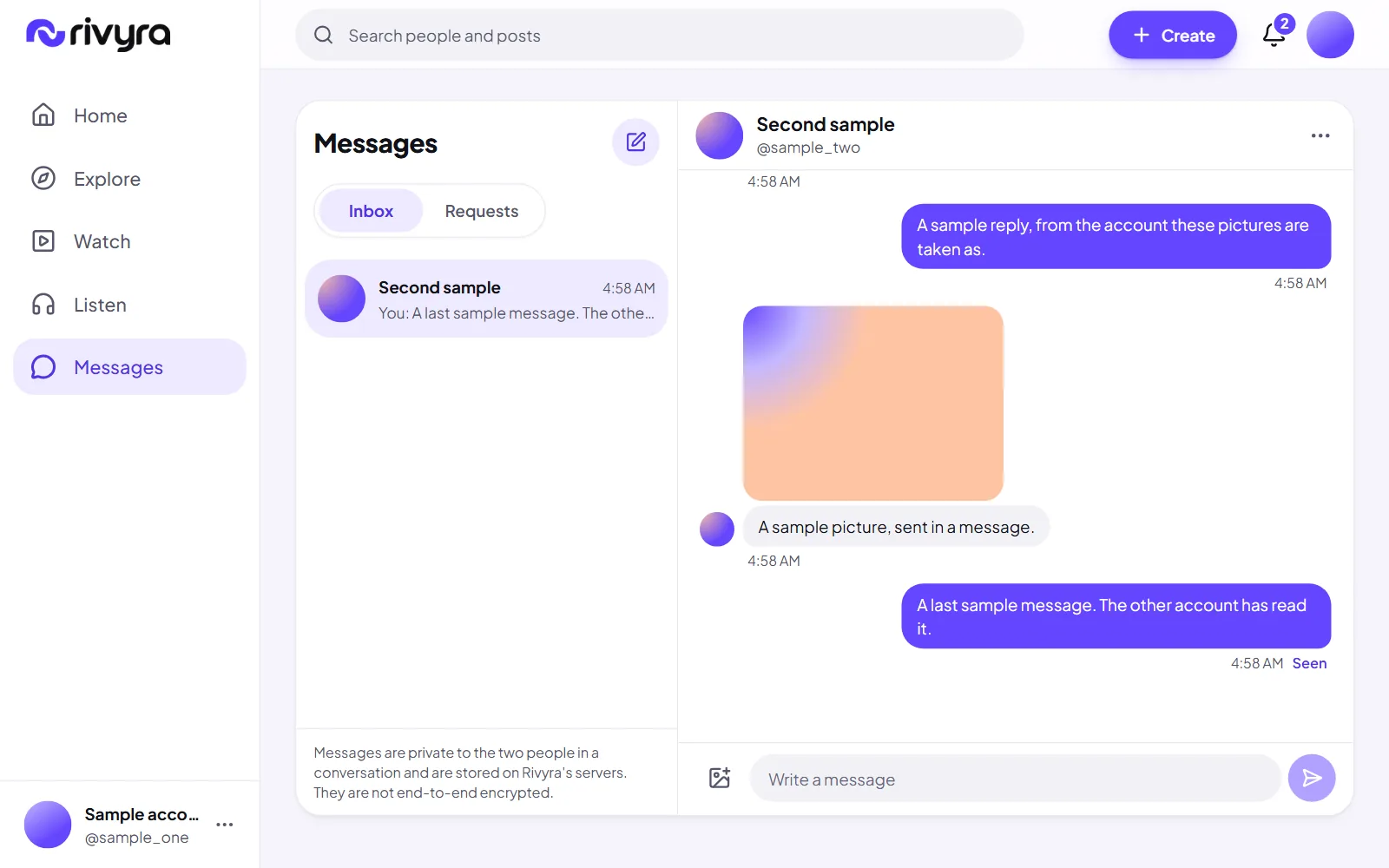
Text and up to four pictures, private to the two of you, with read receipts and a typing indicator. Messages are not end-to-end encrypted: they are stored on Rivyra's servers, and the app says so where you write them.
Shipped
Messages that do not get lost or doubled
A message is stored before anyone is told about it, a retry never sends it twice, and a dropped connection catches up when it returns.
Shipped
Message requests
A first message from someone you do not follow waits in Requests until you accept or decline it, and they are not told you read it. You choose who may message you at all.
Shipped
Report or delete a message
Delete a message you sent, for both of you. Report one you received: staff then read that message and up to three either side of it, and nothing else of the conversation.
Notifications
Being told what happened, as much or as little as you want.
Shipped
Notifications in the app
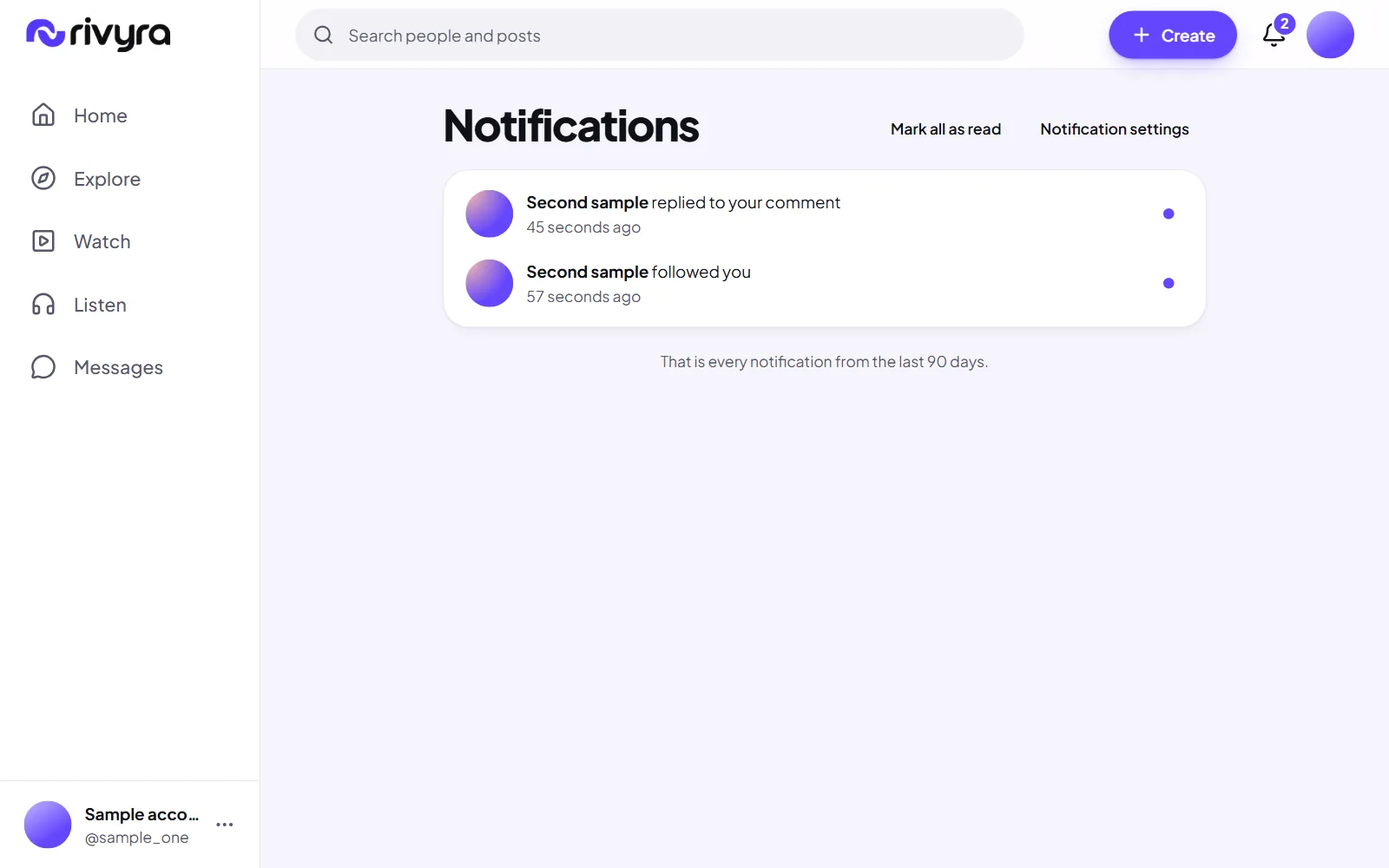
Being told about follows, requests, mentions, comments, replies, reactions, new episodes and rooms, as they happen, with a count on the bell that comes from the server.
Shipped
Preferences and grouping
Switch each kind of notification on or off. Several people doing the same thing to the same post are gathered into one line.
Later
Push notifications
Notifications when the app is closed, for people who ask for them.
Safety and moderation
Your own controls, and what happens when something should not be here.
Shipped
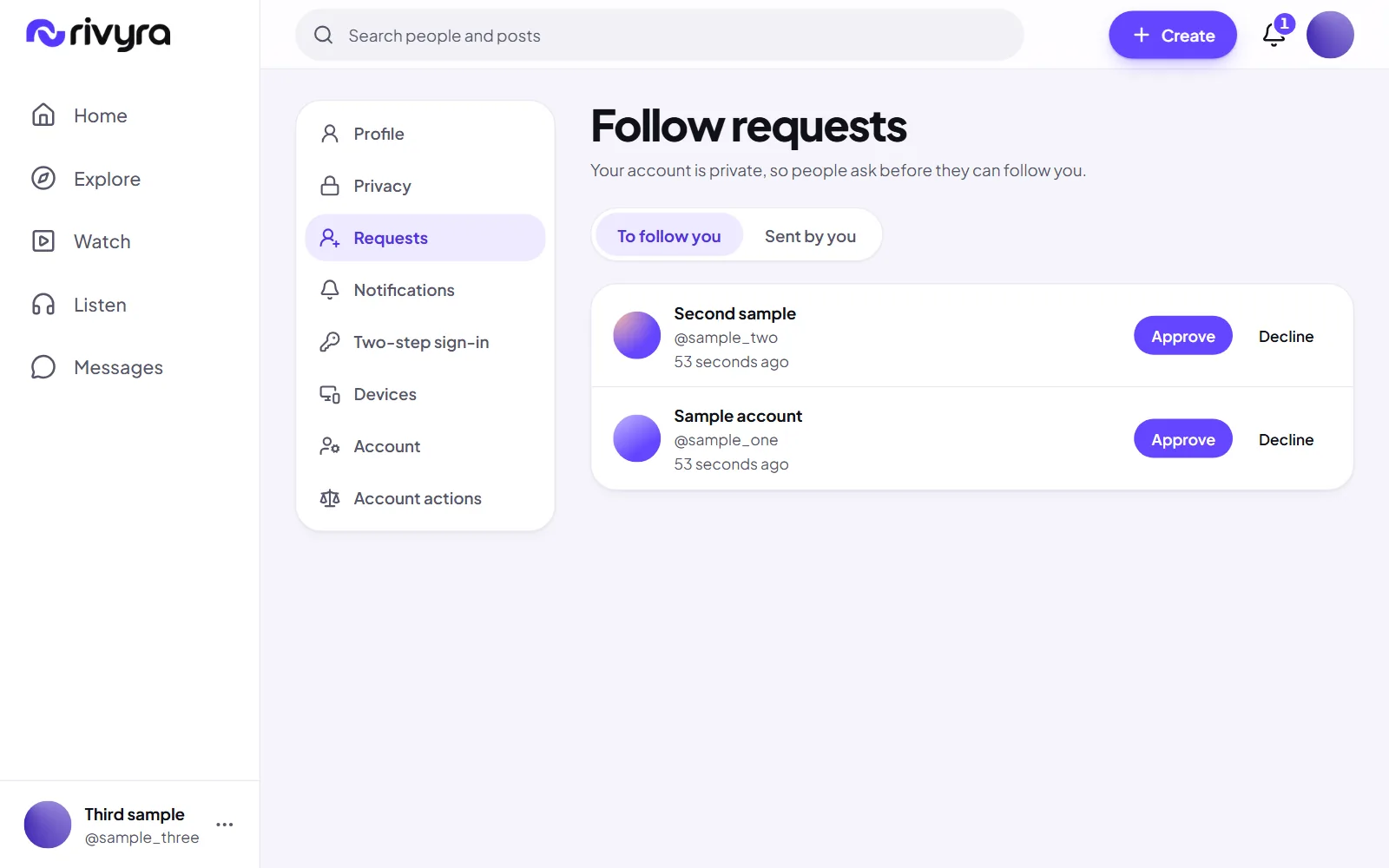
Private accounts
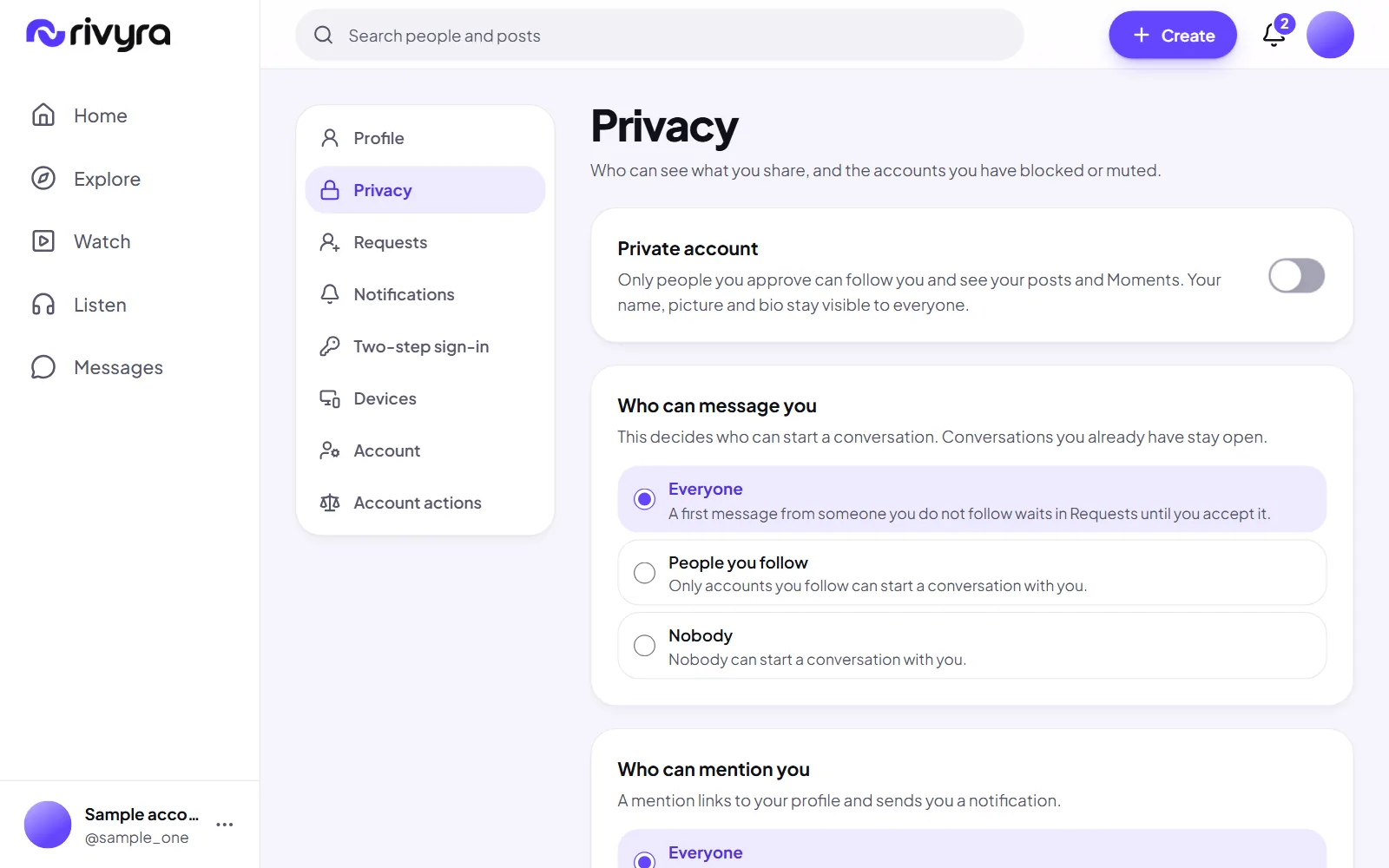
Switch it on and only followers you approved see your posts and Moments. Your name, picture and bio stay visible.
Shipped
Follow requests
While an account is private, each new follower waits for a yes or a no.
Shipped
Block and mute
You and an account you block cannot see each other anywhere. Mute keeps an account out of your feeds, and it is not told.
Shipped
Report a post, a comment, an account or a message
Reports are recorded with your reason and reviewed by staff. The account you report is not told who reported it.
Shipped
Limits on repeated attempts
Signing in, signing up and asking for mail are limited, to protect accounts from guessing.
Shipped
The moderation console
Where staff read reports, remove what breaks the rules, warn or suspend an account, and write down why. It opens only to staff who use two-step sign-in.
Shipped
Appeals and an audit log
You are told when staff act on your account or content, with the category of the reason, and can appeal each action once. Every staff action is written to a log that cannot be edited.
Shipped
Who can message, mention and see your lists
Three settings beside the private account switch: who may start a conversation with you, who may mention you, and who may read your follower lists.
Media and performance
Getting pictures and video in and out quickly, without surprises.
Shipped
Uploads you can watch, cancel and retry
Files go straight to storage with real progress. An upload can be cancelled, and a failed one retried without starting the post again.
Shipped
Location and camera data removed
Every picture and video is made again from its content before anyone sees it, so the data a camera hides in a file never leaves with it.
Shipped
The right size for the screen
Pictures are served in several sizes and space is reserved before they load, so a page does not jump. Video has a poster and never plays by itself in a post.
Shipped
Measured, not assumed
Loading, layout shift and interaction timing are measured by a repeatable test, on a slowed phone profile and on a desktop, and the numbers are published with their limits.
Next
A bounded load test
Measuring the deployed service under many visitors at once. Today's numbers are one visitor on one machine.
Later
Counts that stay fast at size
Reactions, comments and views are counted on request today. Stored counters come when the numbers need them.
Apps and platforms
Where Rivyra runs.
Shipped
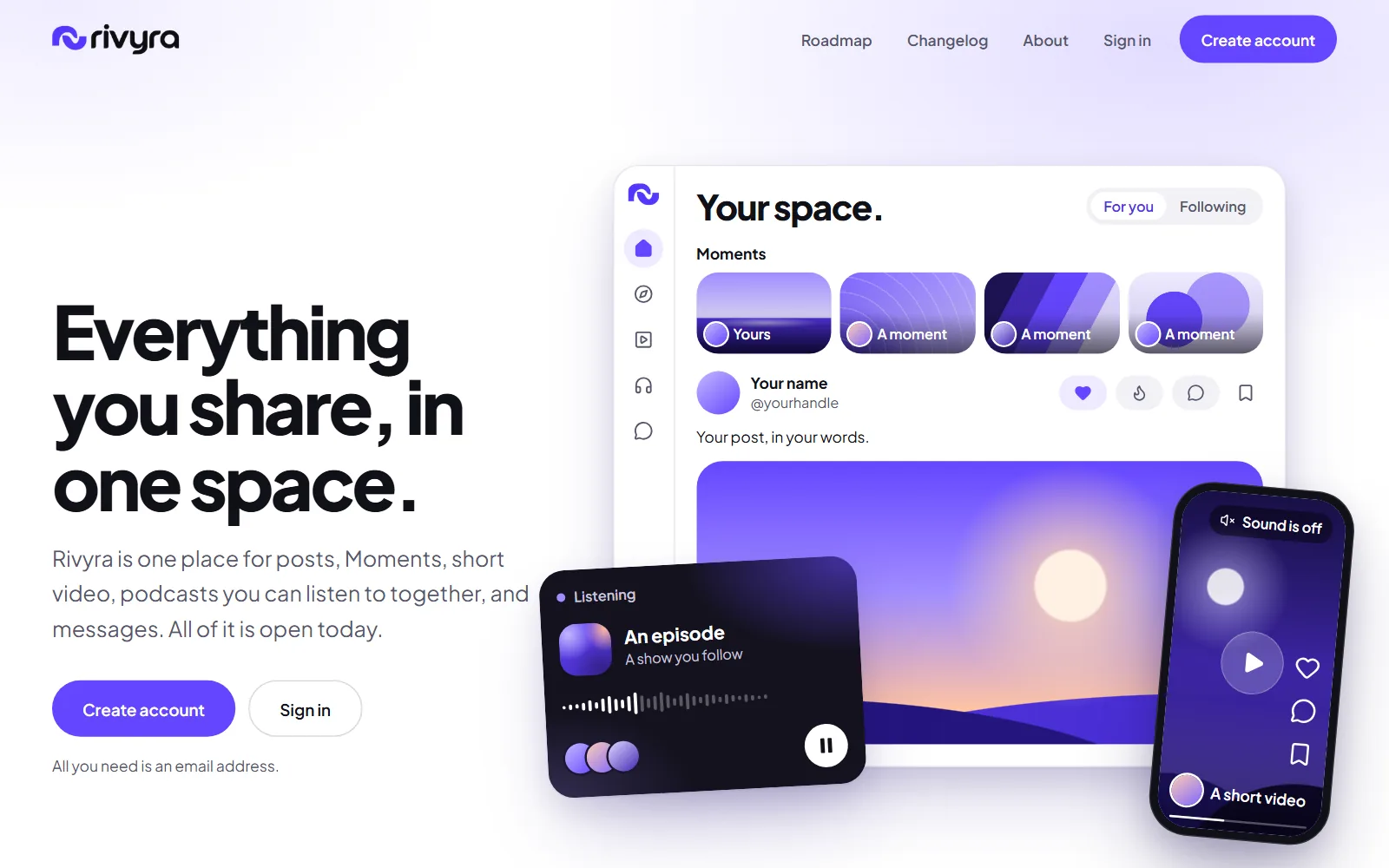
One web app from phone to desktop
A bottom bar and full-screen sheets on a phone, a rail and a wider layout on a desktop, checked at five widths in two browser engines.
Shipped
Public pages that share well
A landing page, About, this roadmap and the changelog, readable without an account, with sharing images and a sitemap.
Later
An installable web app
The name, colour and icons for installing are in place. Working offline and opening straight into the app are not.
Later
Keyboard shortcuts
Everything works from the keyboard today. Shortcuts for the common actions would make it quick.
Later
Apps for iOS and Android
The web app is the product for now. Native apps follow once it is complete.
Languages and accessibility
Usable by everyone, in their own language.
Shipped
Checked for accessibility on every screen
Automated checks on each screen allow nothing serious. Dialogs hold and return focus, every control has a name and a visible focus ring, and touch targets are at least 44 pixels.
Shipped
Reduced motion respected
If your device asks for less motion, the interface stops animating.
Shipped
Ready to be translated
Every sentence in the interface lives in one catalogue and the layout does not assume left to right, so a new language is a translation and not a rebuild.
Next
Tested with real screen readers
Roles and names are checked by tools today. Nobody has yet used the product end to end with a screen reader, and that is needed.
Later
More languages
English only today.
Later
Right-to-left languages
The groundwork is in the layout. No right-to-left language has been rendered or checked.
Creator tools
For people who publish regularly.
Shipped
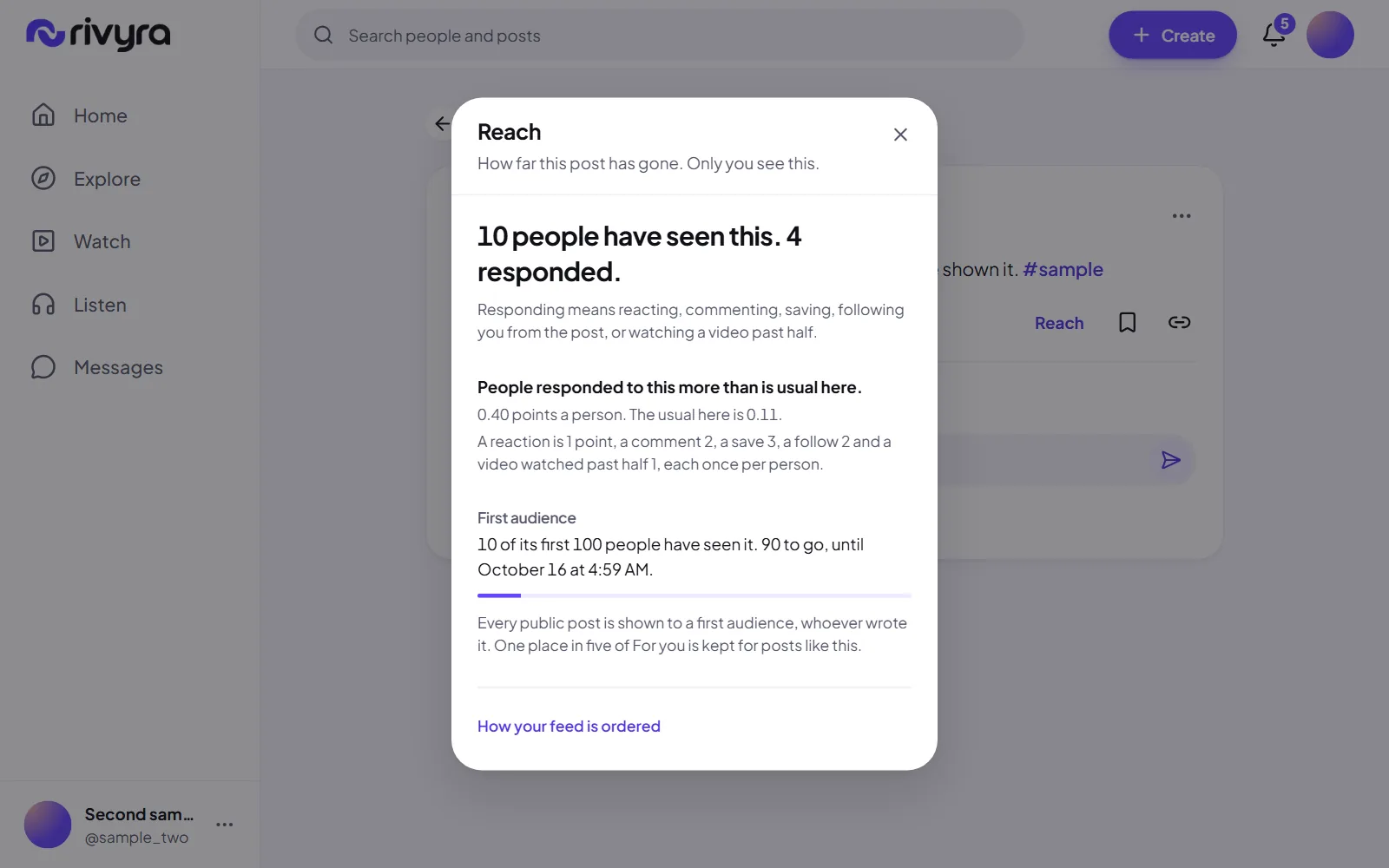
Reach, for your own posts
How many people have seen a post of yours, how many responded, how that compares with what is usual here, and how much of its first audience is still to come. Under ten people it gives the count and no rate.
Shipped
Show pages and scheduled episodes
Create a show and upload its episodes with artwork and a transcript. An episode is published now, or publishes itself at a time you set.
Later
The same for episodes, and over time
Reach covers one post as it stands now. An episode's numbers, and how a post did day by day, are not shown yet.
Reliability and privacy
Keeping the service up and your data yours.
Shipped
Running at rivyra.com
The service is deployed from committed code, with its own database, storage and worker.
Shipped
A strict content policy
Pages run only the site's own scripts, cannot be framed by another site, and carry the standard security headers. Every automated test fails on a single violation.
Shipped
Sessions you can end
A sign-in is a random token that the database stores only as a hash. It lasts up to 30 days and can be ended from any device.
Shipped
Media links that expire
A picture or video is handed out through a link that lasts five minutes, after checking who is asking.
Shipped
Work that survives a crash
Processing a picture or a video is a recorded job, so a restart picks it up where it stopped instead of losing it.
Shipped
Export your data
Ask in settings for a ZIP of your account. A link is mailed when it is ready, works once, and lasts seven days. It holds the messages you sent, not the ones you received.
Shipped
Delete your account
From settings, with your password. The account is hidden at once and deleted after 14 days. Signing in during those 14 days cancels it.
Shipped
A nightly database backup with a restore check
The database is copied every night and kept on the server. A copy that cannot be read back is refused, and a check restores the newest one into a scratch database.
Next
Backups kept somewhere else
Today's copies sit on the same server as the database, and uploaded pictures, video and audio are not backed up at all. Both need a copy in a second place.
Next
A full security review
Going through the service against a written list before it is called finished.
Next
Terms and privacy text in force
The terms, the privacy text and the community guidelines are published as drafts. They come into force when the owner has reviewed them.